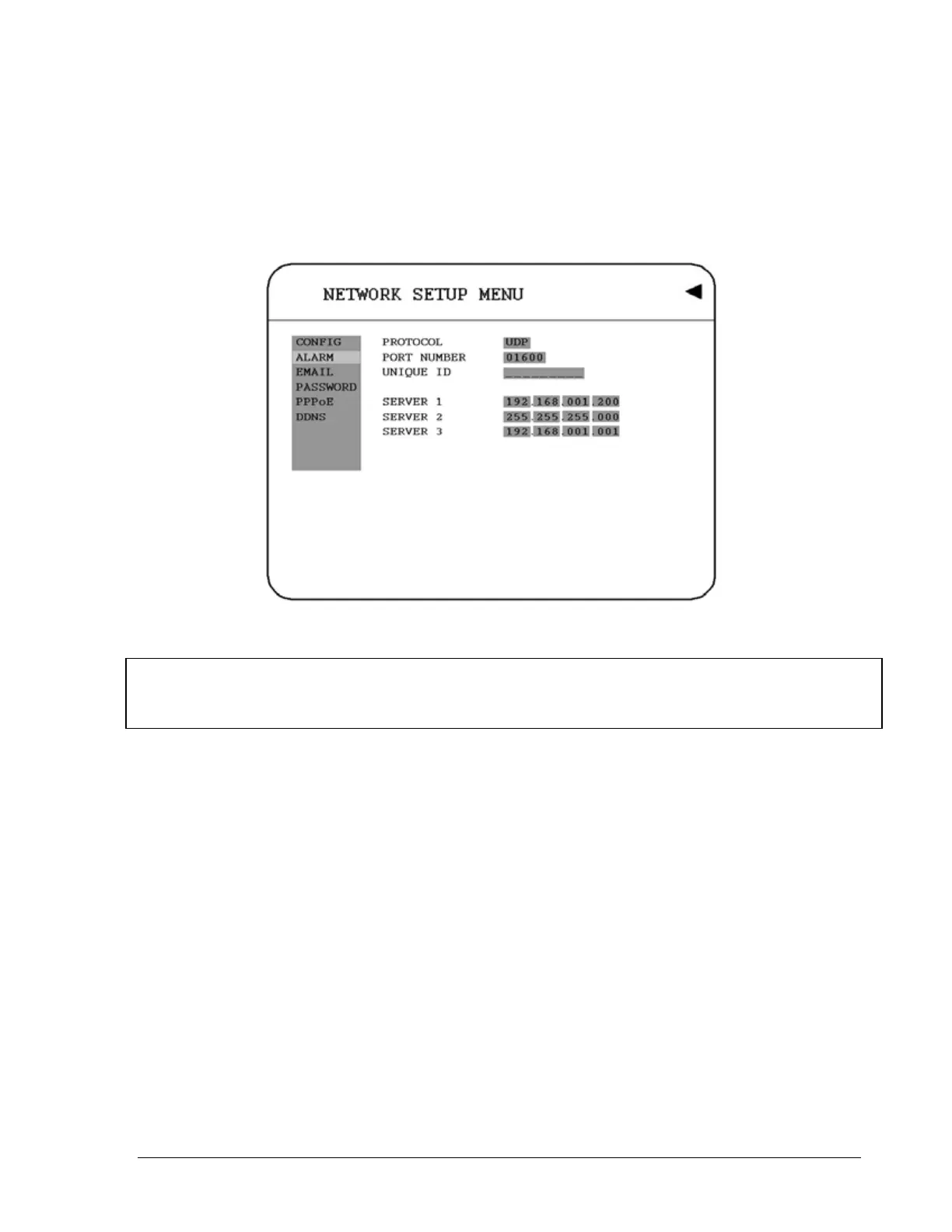
3.7.2 ALARM (NETWORK)
DVR can send out Alarm message to an Alarm Server (PowerCon4). In the ALARM of the
NETWORK SETUP MENU, we define:
Diagram 3.11
Note: Since every Network Configuration is different, please contact your Network
Administrator or ISP for how to assign those IP addresses and port numbers.
1. PROTOCOL: Select which communication protocol with Alarm servers or Alarm
receiving clients.
TCP: communicate with client via TCP protocol.
UDP: communicate with client via UDP protocol
2. PORT NUMBER
Setting the communication port with Alarm server.
3. UNIQUE ID
Setting the ID number of your DVR to Alarm server.
4. SERVER 1
Assign the IP address of Alarm server 1.
41













 To Next Page