Chapter
3
3. DVR Menu Setup
Assuming you have completed the first two chapters of this manual. You are now ready to
begin setting up the digital video recorder. The following chapter will walk you through the
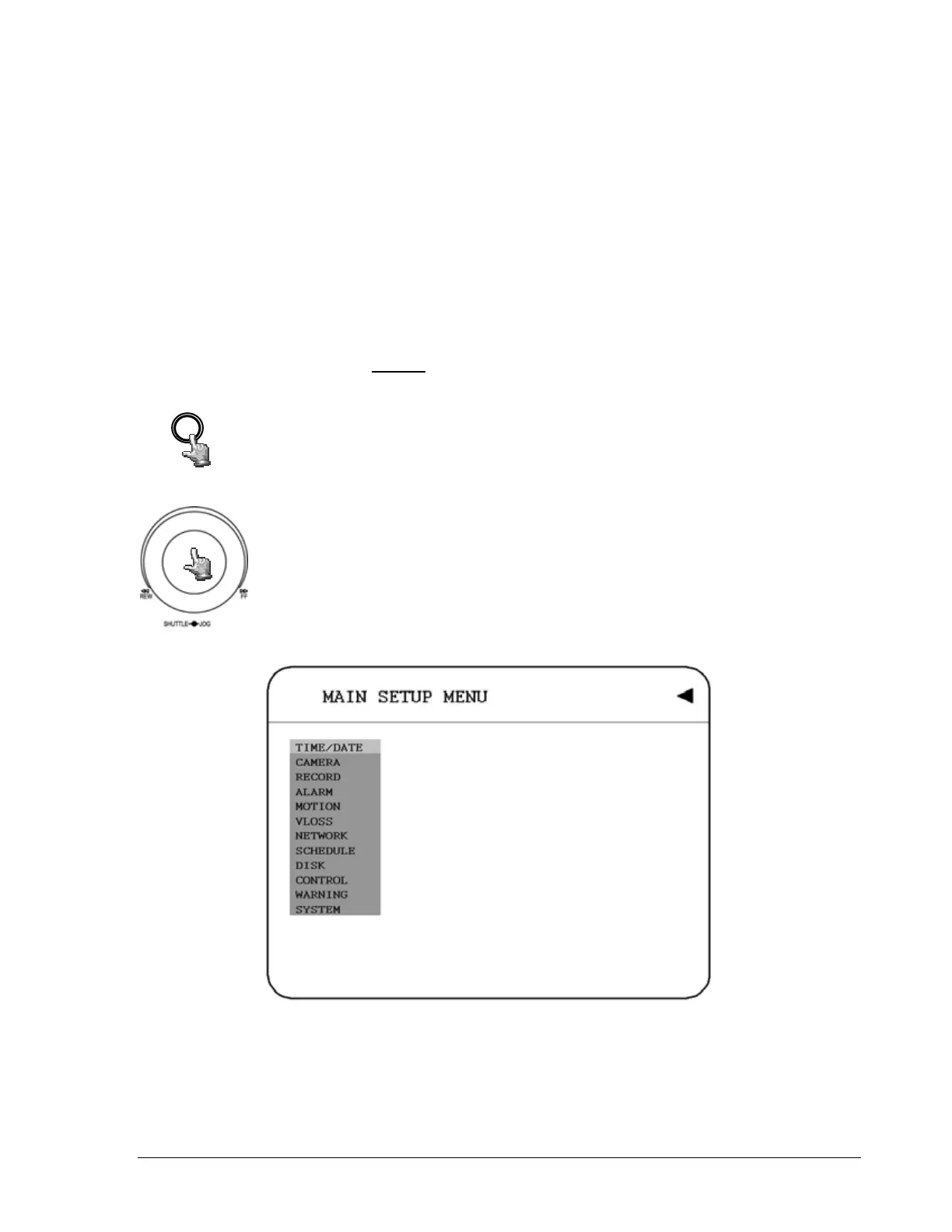
detailed DVR Menu step by step and how to set the DVR for your specific application. To
begin this process, press the MENU
key. Once inside the main menu you will find there are
12 setup option pages as follows.
MENU
Press the MENU key to enter the MAIN MENU.
Press the MENU key to quit current setting, and go back to last setting.
Dial the Jog clockwise or counterclockwise to change subentry values.
Press the ENTER key to go next subentry in a menu setting, and press
the CALL key to go last subentry in a menu setting.
Diagram 3.1
17













 To Next Page