Chapter
11
11. Linksys Port Forwarding
This chapter will cover a few simple configurations for the Linksys router. Please
understand we do not support this product and will not give tech support on it. If you
need Technical support on this router you must call Linksys. This Chapter is to offer
some help to the installer and end user nothing more.
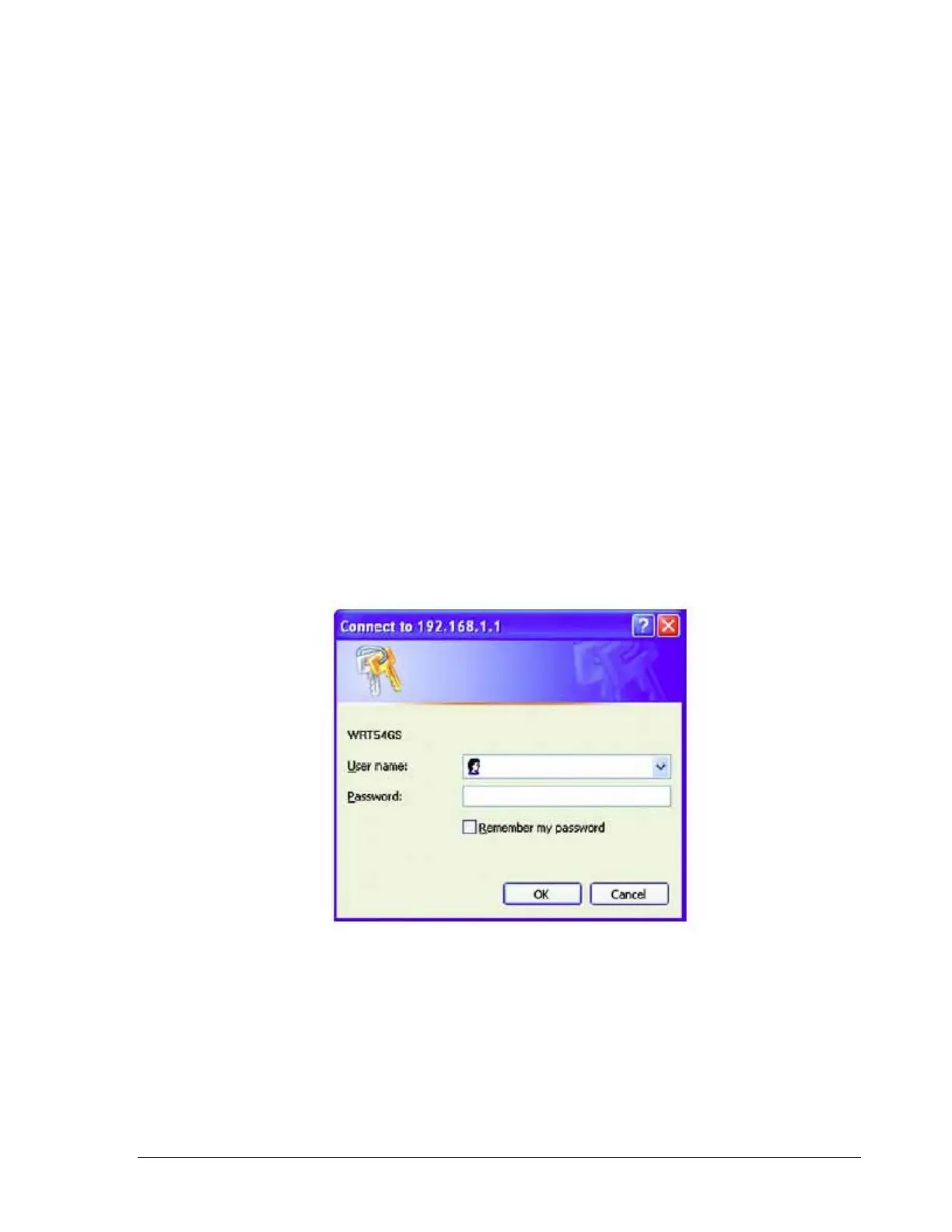
To access the Web-based Utility, launch Internet Explorer or Netscape Navigator, and
enter the Router’s default IP address, 192.168.1.1, in the Address field. Then, press
Enter. A password request page will appear. (Non-Windows XP users will see a similar
screen.) Leave the User Name field blank. The first time you open the Web-based Utility,
use the default password admin. (You can set a new password from the Administration
tab’s Management screen.) Click the OK button to continue.
The first screen that appears displays the Setup tab. This allows you to change the
Router's general settings. Change these settings as described here and click the Save
Settings button to apply your changes or Cancel Changes to cancel your changes.
102













 To Next Page