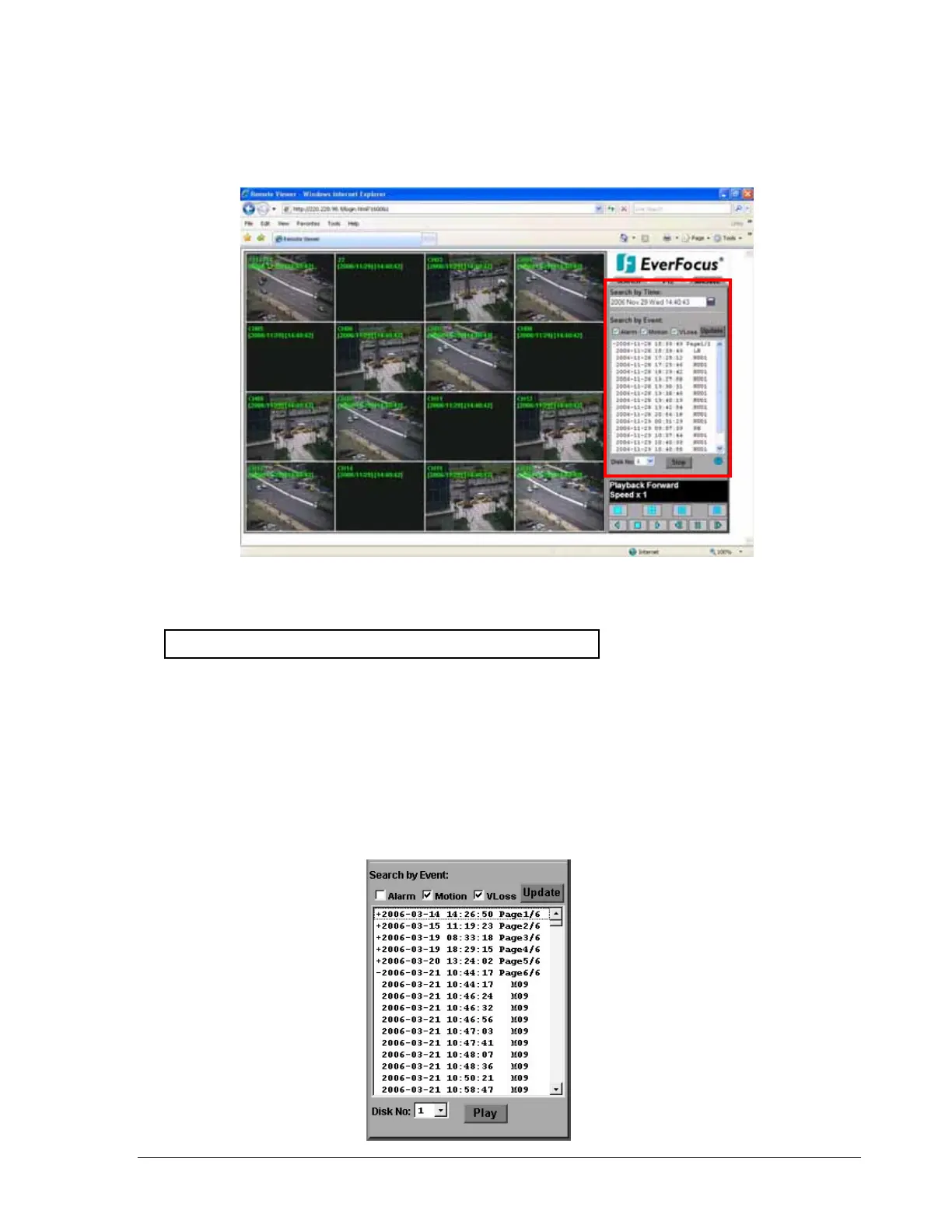
14.1.2 Search by EVENT
1. Select Event Type from Alarm, Motion and Vloss.
Note: Please keep at least one event type checked.
2. Press Update button to refresh the event list.
3. All events of the selected type will be displaying along with Date/Time, event type
(represents by a capital letter), camera number (represents by a number), e.g. M02 is
the motion event from camera 2.
4. When there is a “+” sign in front of the date with page number at the end, it means
that you can go to that page for showing the events of that page.
5. Select the Disk No. from which you would like to search events.
6. Press Play button to playback the selected event.
120













 To Next Page