3
3
.
.
3
3
R
R
e
e
c
c
o
o
r
r
d
d
S
S
e
e
t
t
u
u
p
p
M
M
e
e
n
n
u
u
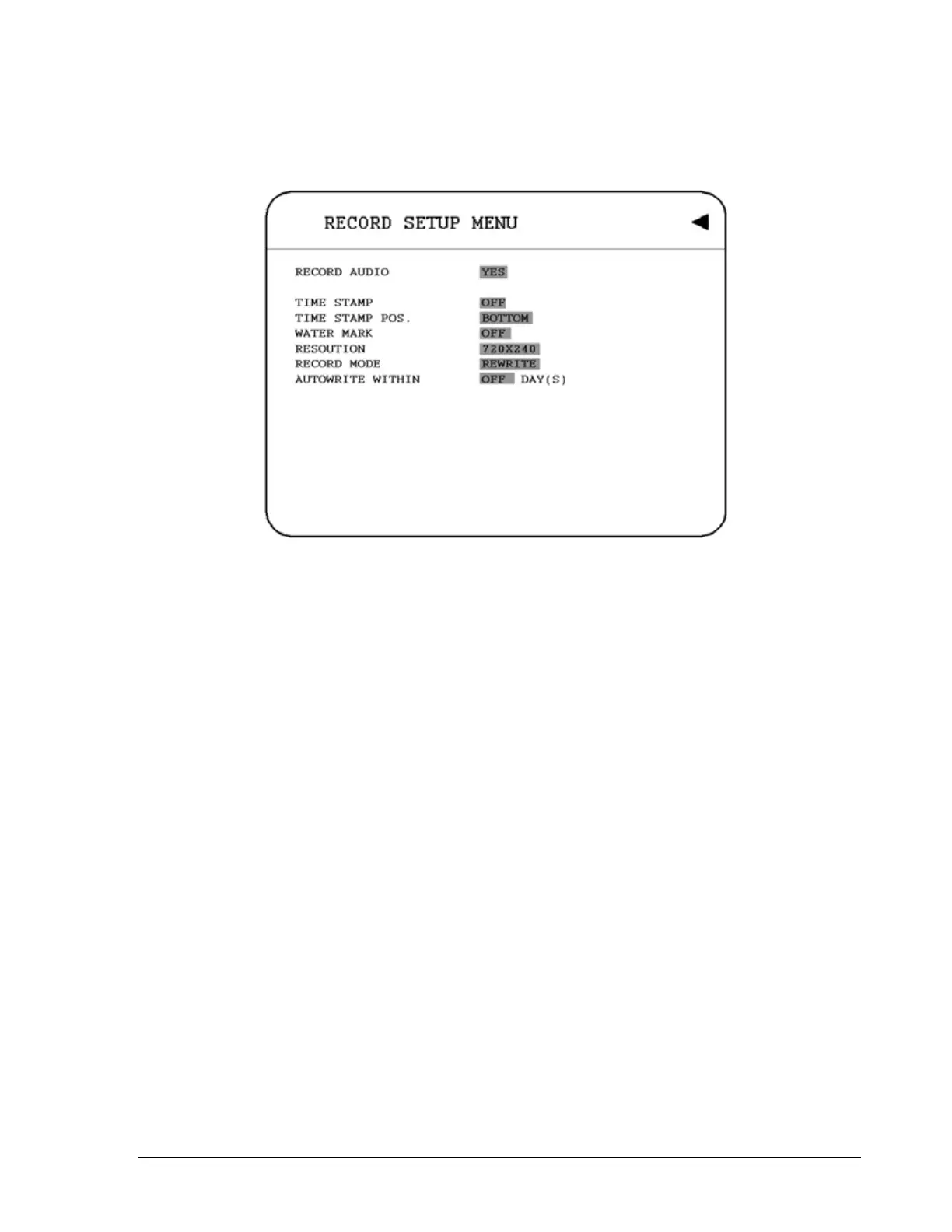
Diagram 3.6
Diagram 3.6 is a screen shot of the RECORD SETUP MENU. This menu is for setting
up the options for recording. We define recording as something on which sound or
visual images have been recorded. In the RECORD SETUP MENU the following
fields are defined as follows:
1. RECORD AUDIO
YES: Audio will be recorded when machine is recording.
NO: Audio will not be recorded when machine is recording.
2. TIME STAMP
ON: The time stamp will be recorded on the video and picture when recording.
OFF: The time stamp will not be recorded on the video and picture when recording.
3. TIME STAMP POSITION
BOTTOM: The time stamp will be recorded on the bottom.
TOP: The time stamp will be recorded on the top.
27













 To Next Page