5. SEND EMAIL:
YES: Send an email when no HDD has been found.
NO: Will not send an email when no HDD has been found.
The email address can be set in the NETWORK SETUP MENU.
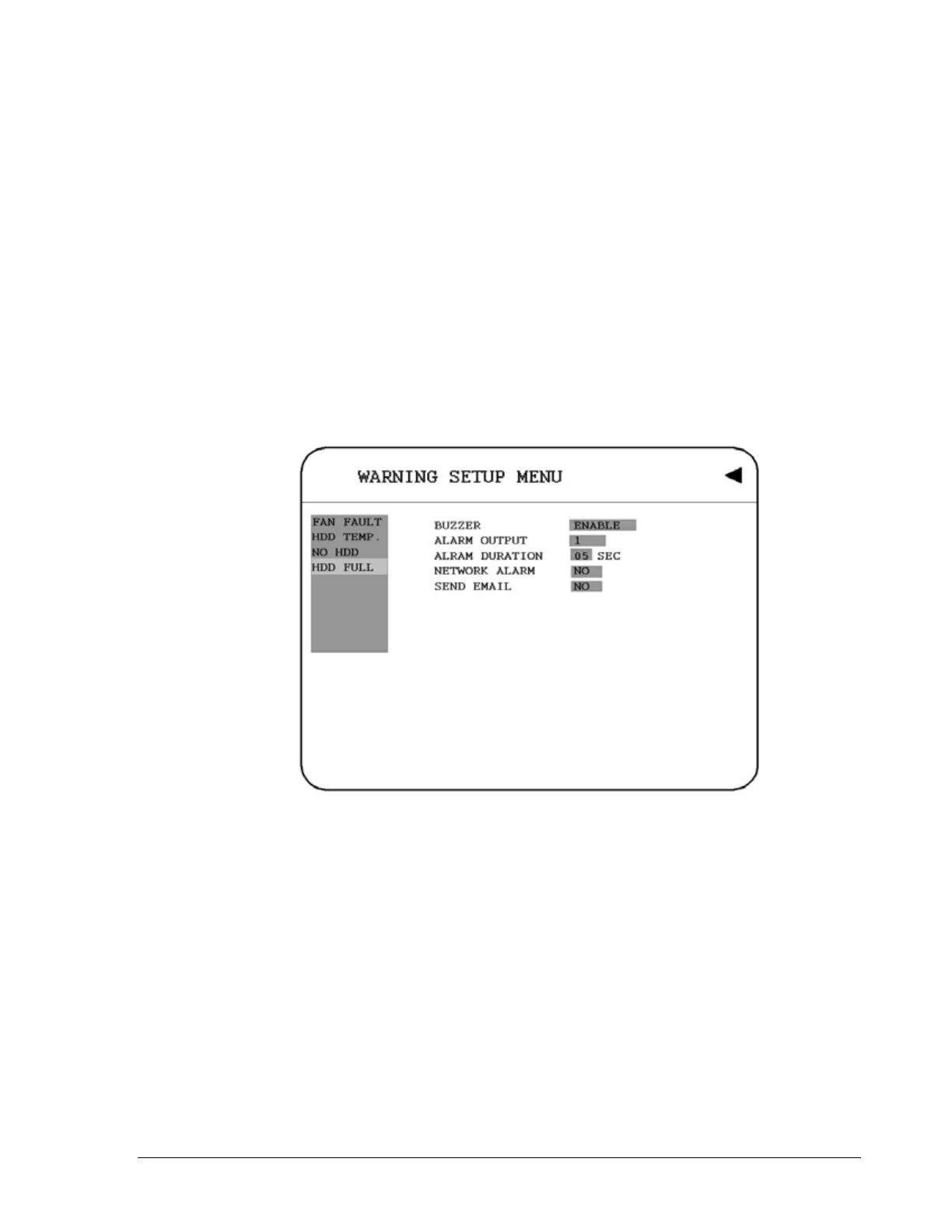
3.11.4 HDD FULL
In HDD FULL, we define:
Diagram 3.23
1. BUZZER: HDD FULL buzzer.
ENABLE: To enable a buzzer when HDD is full.
DISABLE: To disable HDD Full buzzer.
2. ALARM OUTPUT
This will transmit a signal to another device. The setting of alarms are NONE = not
activated, 1 = output signal 1 transmitted, 2 = output signal 2 transmitted, 3 =
output signal 3 transmitted and 4 = output signal 4 transmitted. To change this,
60













 To Next Page