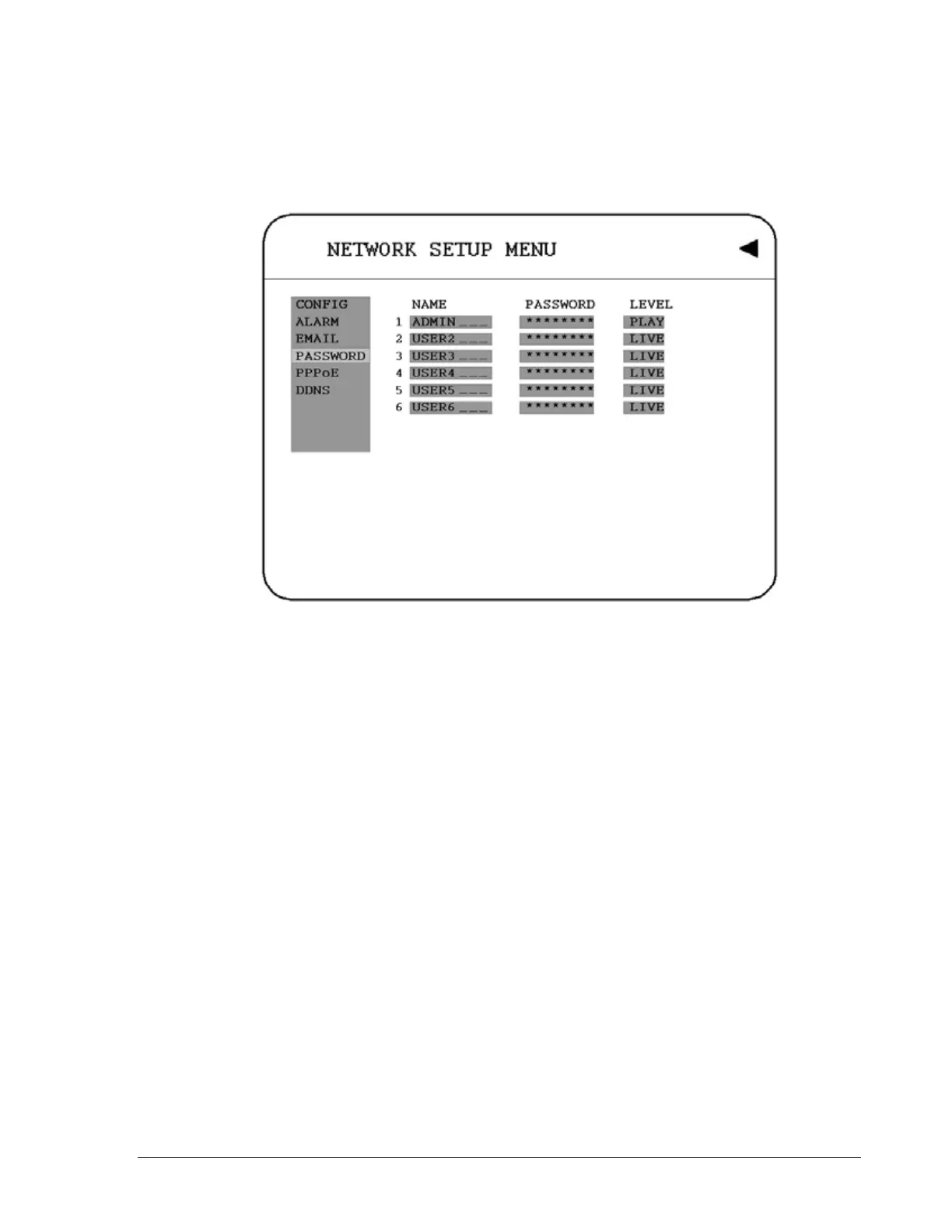
3.7.4 PASSWORD
In the PASSWORD of the NETWORK SETUP MENU, we define:
Diagram 3.13
User-Name/Password/Level: This category is to set up the users that will log into the
network. Please remember that this portion of the Network setting menu is set up in column
format.
The default User Name = ADMIN
The default Password = 11111111 (only numeric)
There are 2 level types:
1. Play: Allows the user to view live video, perform a search, playback and control the PTZ
camera (if one is connected)
2. Live: Allows the user only to view live video
To change this, simply use the Jog Dial on the DVR.
Example: USER-NAME Password Level
admin 11111111 Play
Changed to Adam 22222222 Play
44













 To Next Page