Chapter
7
7. Call Overview
This chapter will try to give you details on how to setup the CALL MENU on the DVR.
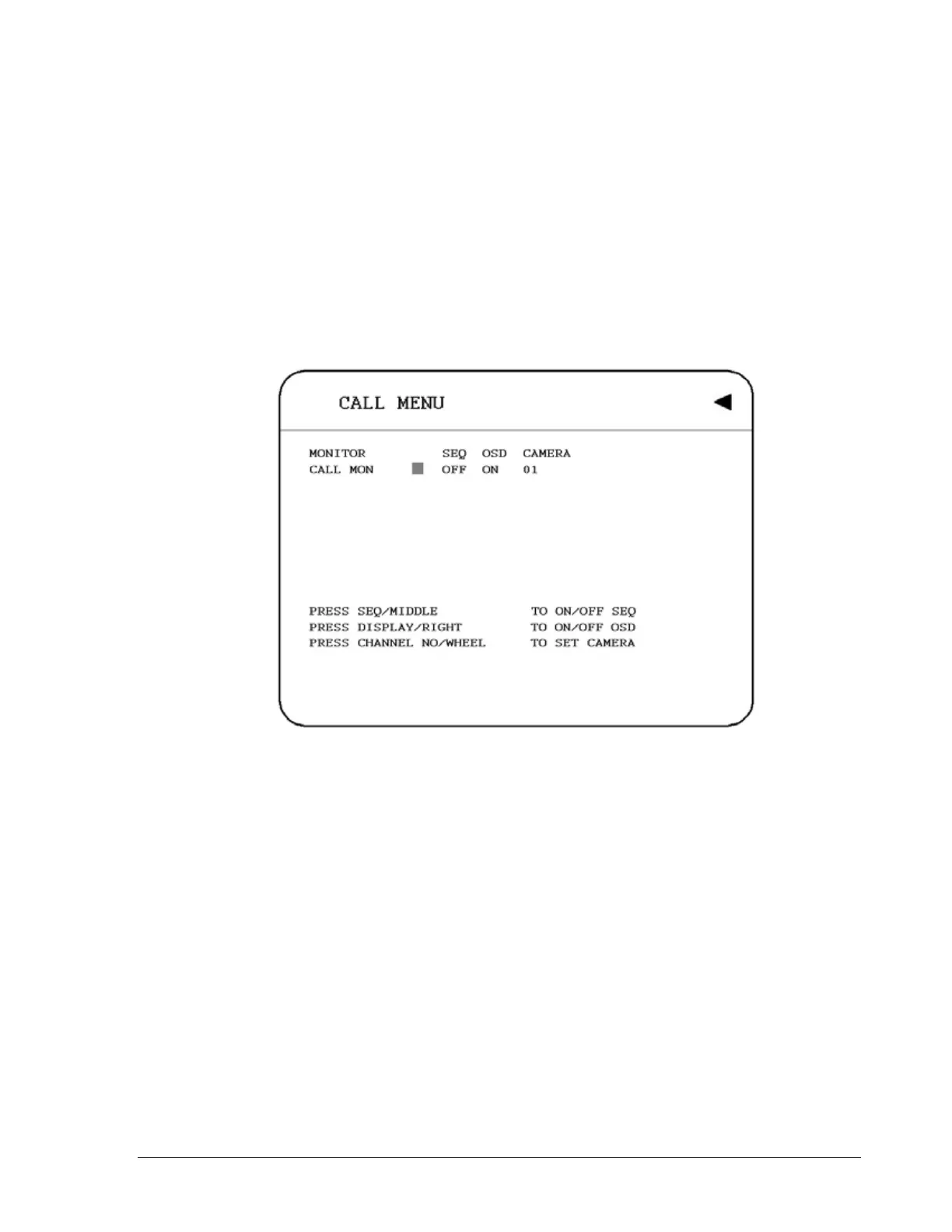
Press the CALL key and the CALL MENU will pop up as below.
Diagram 7.1
In CALL MENU, we define:
1. SEQ: Sequence display on the call monitor. Press SEQ to switch “ON” or “OFF” of
the sequence status.
2. OSD: Channel name display on the call monitor. Press DISPLAY to switch “ON” or
“OFF” of the OSD status.
3. CAMERA: The display camera in the call monitor. Press Channel NO to set display
camera.
4. CALL MON: Display the call monitor.
81













 To Next Page