18
7
19
11
17
9
20
10
13
15
14
3 5
12
16
6
8
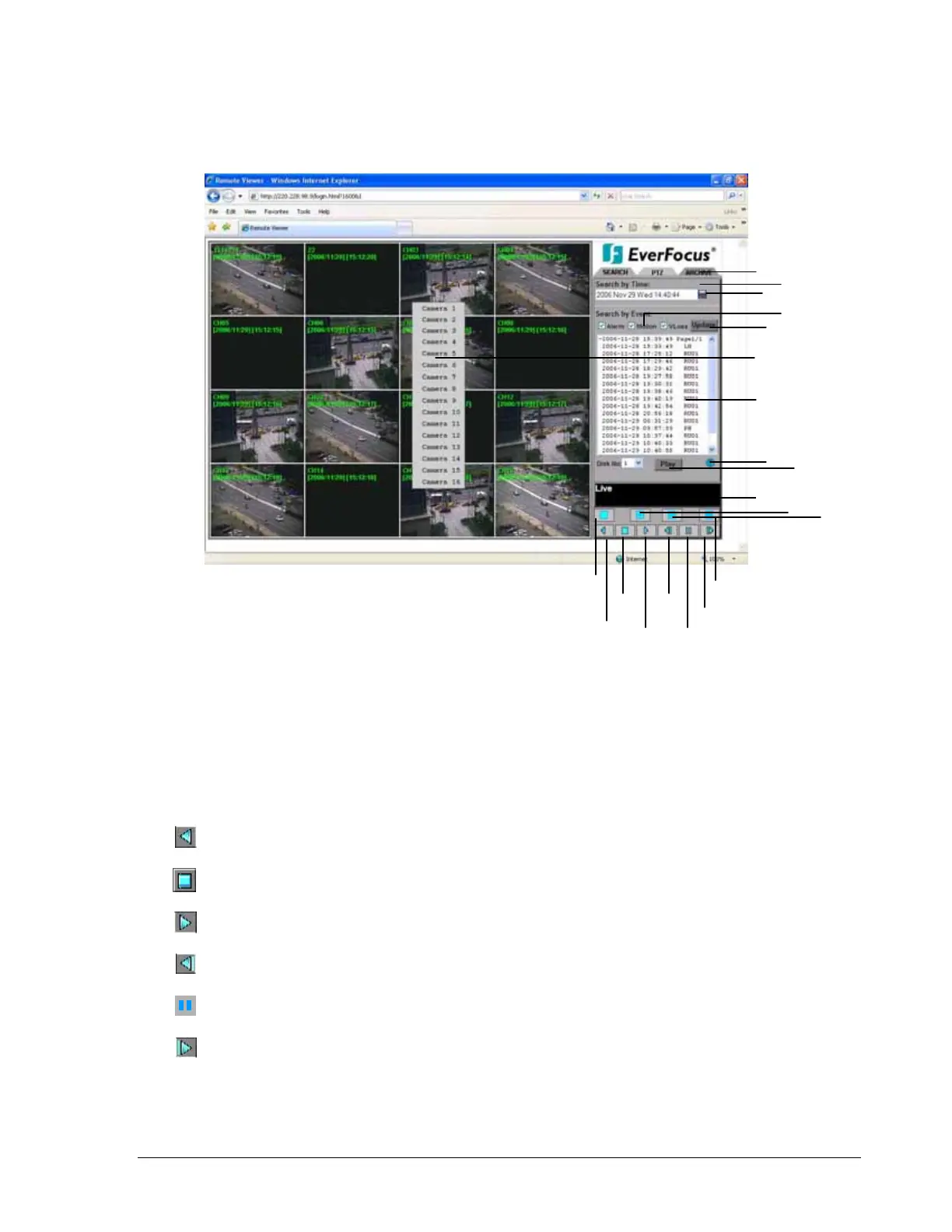
The above diagram is the main screen display.
The icons on the lower corner of the screen are mainly for control and configuration;
those on the right corner are for status indication.
If any icon is grayed, it means that the specific function is not accessible in the current
mode.
The followings are a brief description for each of the icons.
1. REV. PLAY: Reverse Video Playback.
2. STOP: Press this key to stop Video Playback.
3. PLAY: Play back the Video display.
4. STEP FORWARD: the Video Playback display.
5. PAUSE: To pause the Video Playback display.
6. STEP BACKWARD: the Video Playback display.
117













 To Next Page