1) Press on the button of M for changing Month to be searched, D for day, h for
hour, m for minute and s for second. The “-“ sign at the left-hand side is to
decrease the value, whereas the “+” sign at the right-hand side is to increase the
value. Press OK
2) Move the slide bar between the buttons to change Month, Day, Hour, Minute,
and second to be searched. Move the slide bar to the left-hand side for increasing
the value, or right-hand side for decreasing the value.
3) Enter Month, Day, Hour, Minute, and second directly in display bar.
4) Press OK to start searching.
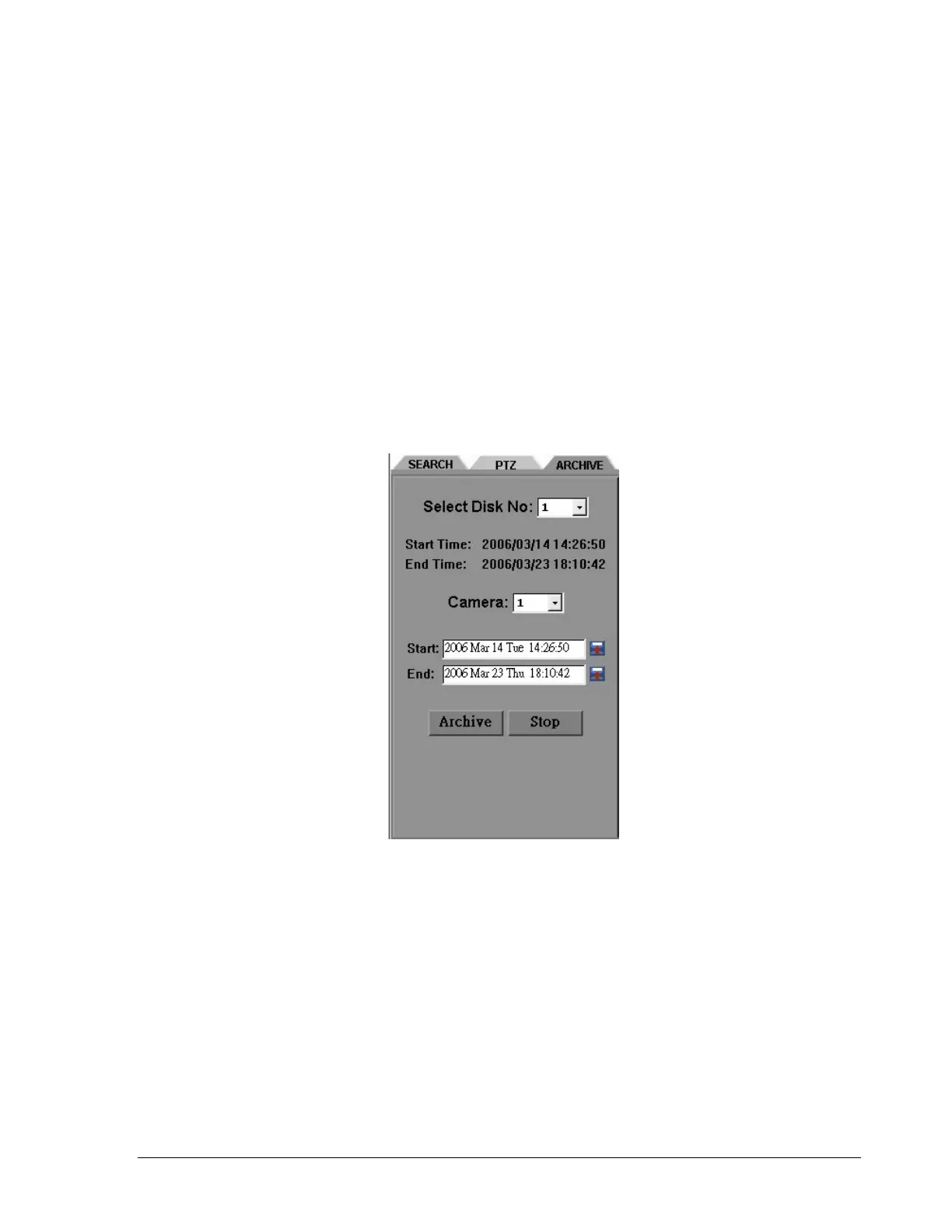
6. Press ARCHIVE button to start archiving. A “.arv” file will be saved.
7. Press STOP button if you wish to cancel archiving.
124













 To Next Page