NOTE:
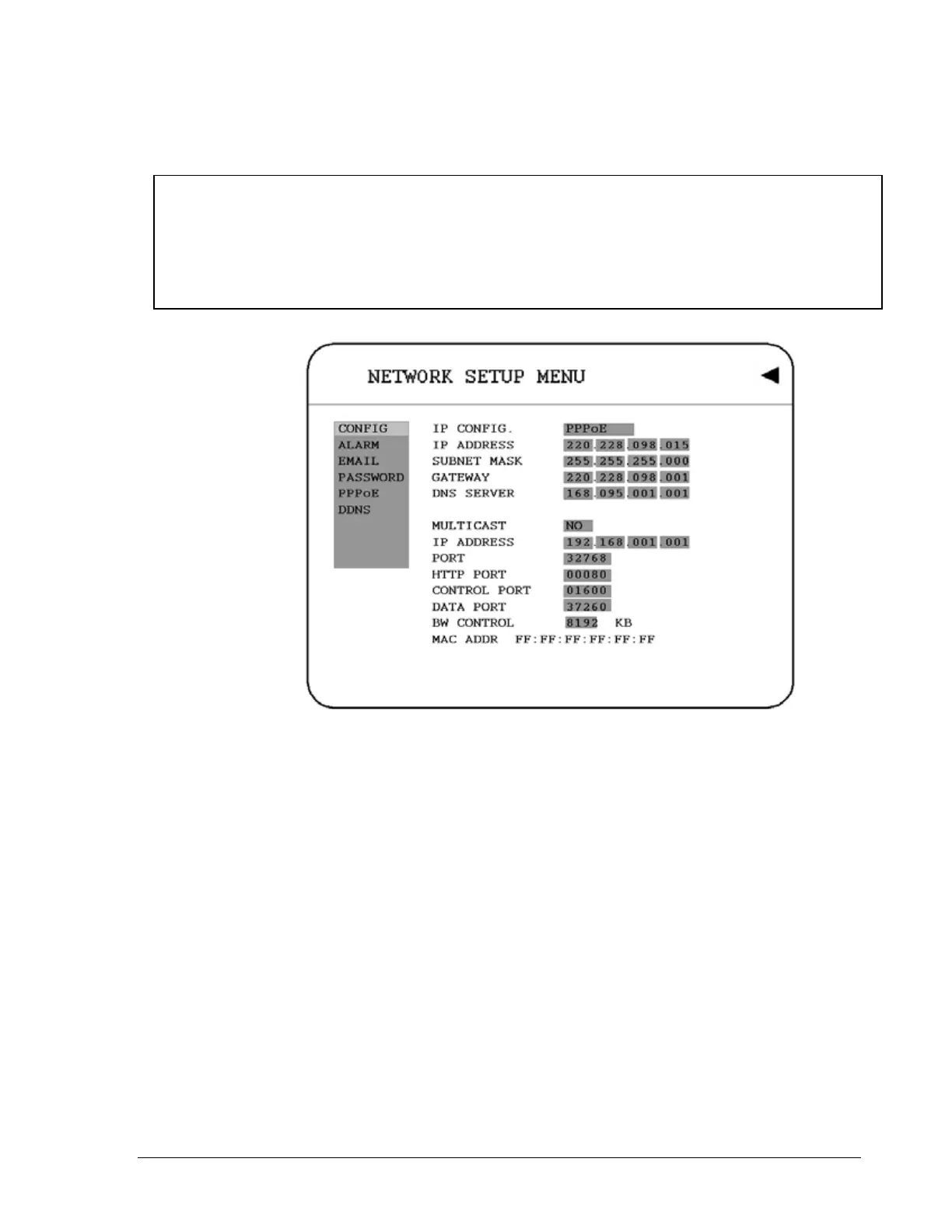
1) Please complete all settings in PPPoE Setup Menu, then return to CONFIG for
changing IP CONFIG to PPPoE. Otherwise, PPPoE settings won’t be valid.
2) If you select first PPPoE in IP CONFIG of CONFIG option, while PPPoE settings
haven’t been done yet, then PPPoE function won’t work.
Diagram 3.15
46













 To Next Page