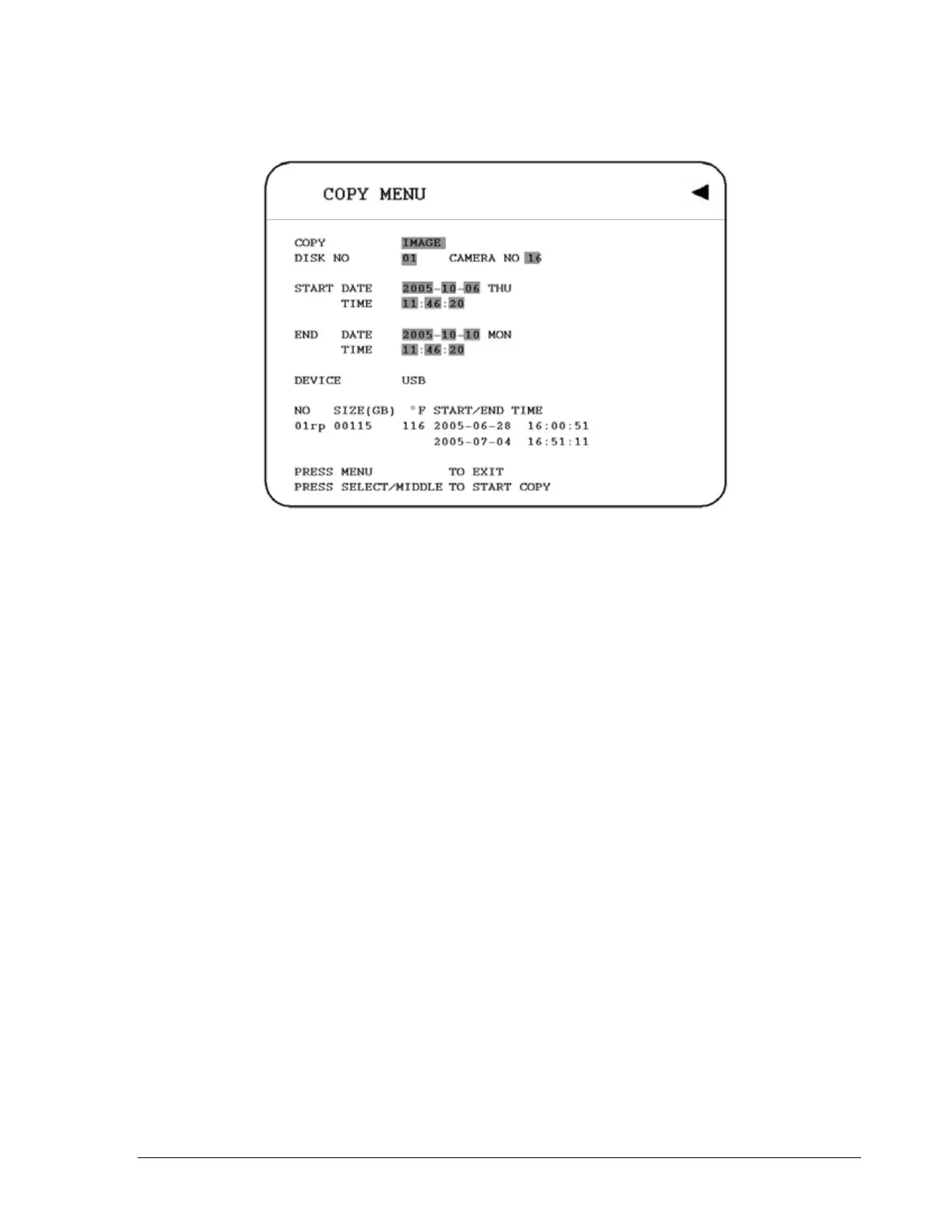
Diagram 6.1
In the COPY MENU, we define:
1. COPY
Select Image (video) for copying images to movie file.
Select Viewer for copying DVRViewer player.
2. DISK NO
Disk number. It is changeable.
3. CAMERA NO:
Camera channel number. You can select the video of camera you would like to copy.
4. START DATE & TIME: The start time of video you want to copy.
END DATE & TIME: The end time of video you want to copy.
6. DEVICE
The media you want to store the file. For D series, USB and DVD devices are available.
For F series, only USB is available as the media to do storage.
Press SELECT or tilt wheel of the mouse to copy after setting up everything.
79













 To Next Page