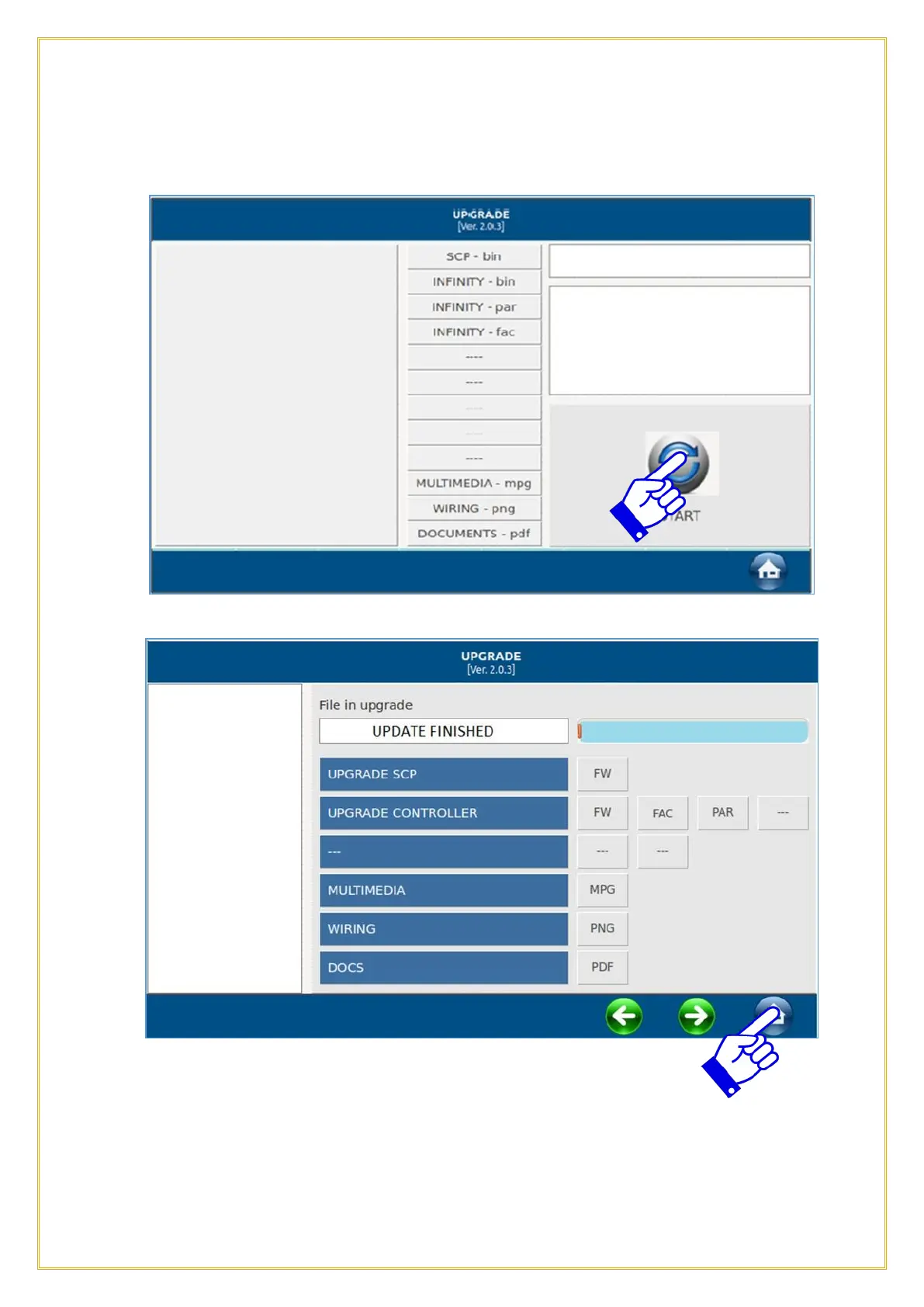
The following screen will appear during the updating process. Press START icon.
2
At the end of the procedure the screen will show UPDATE FINISHED. Press the HOME
icon on the right bottom side to confirm and then press the HOME icon again. After
pressing the Home icon twice, the next screen will appear, press the Green Checkmark
icon to exit from the update procedure. The control will then reboot and return to the
Home screen



 To Next Page