4.6.3. How to Save the HACCP Files as an EXCEL File
The tracer software is a powerful tool to graph up to 30 days of cycles stored in the
Blast Chiller memory. Access the .csv files directly from the haccp extracted folder.
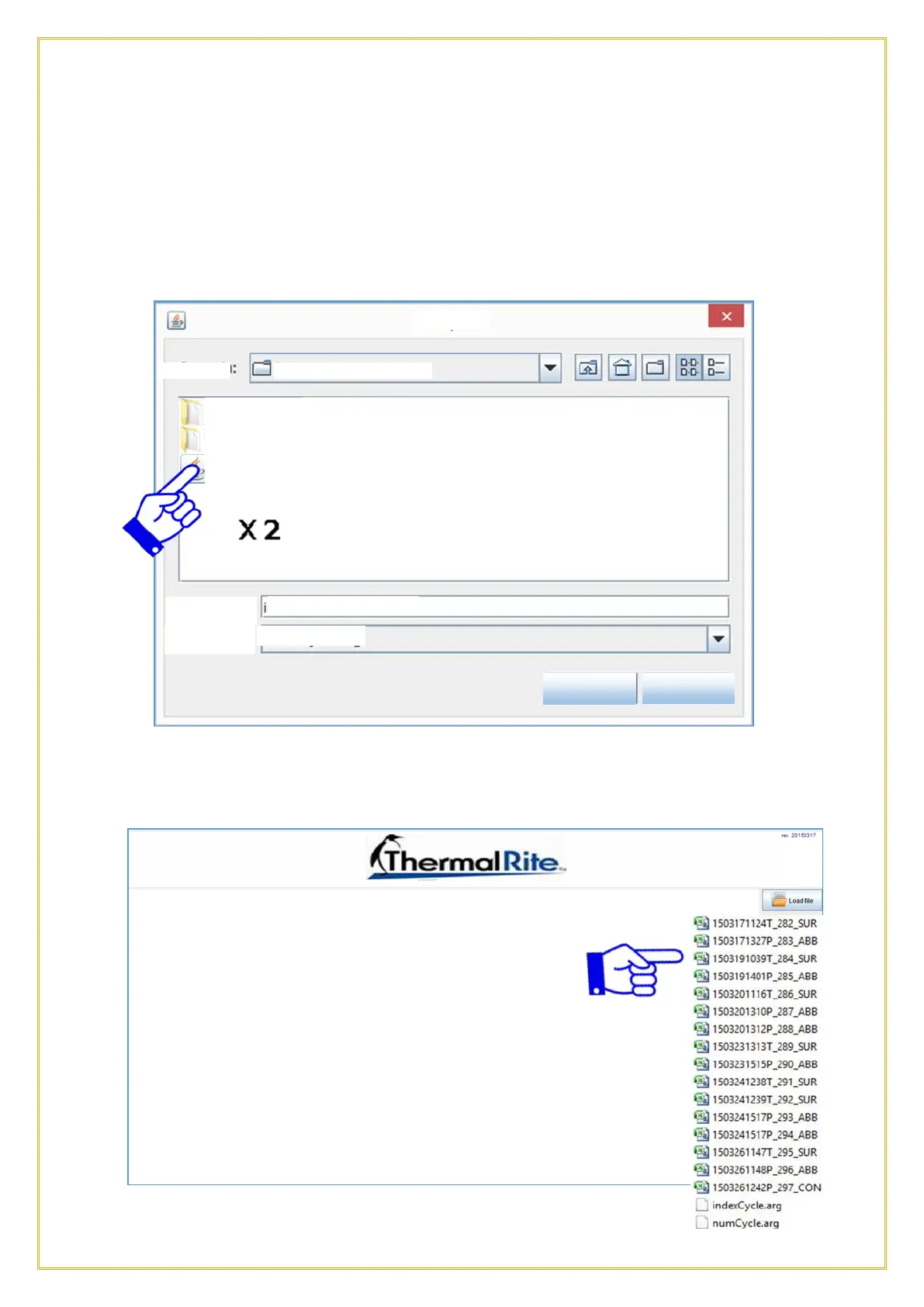
Open the selected cycle with Excel or an equivalent spreadsheet software. Double-click
on the BlastChiller Tracer file.
The following screen will appear. Select which file you which to open as a .cvs file in
Excel.



 To Next Page