ThermalRite Blast Chiller Easy Touch Screen Manual
1. Powering up the Easy Touch Screen Control
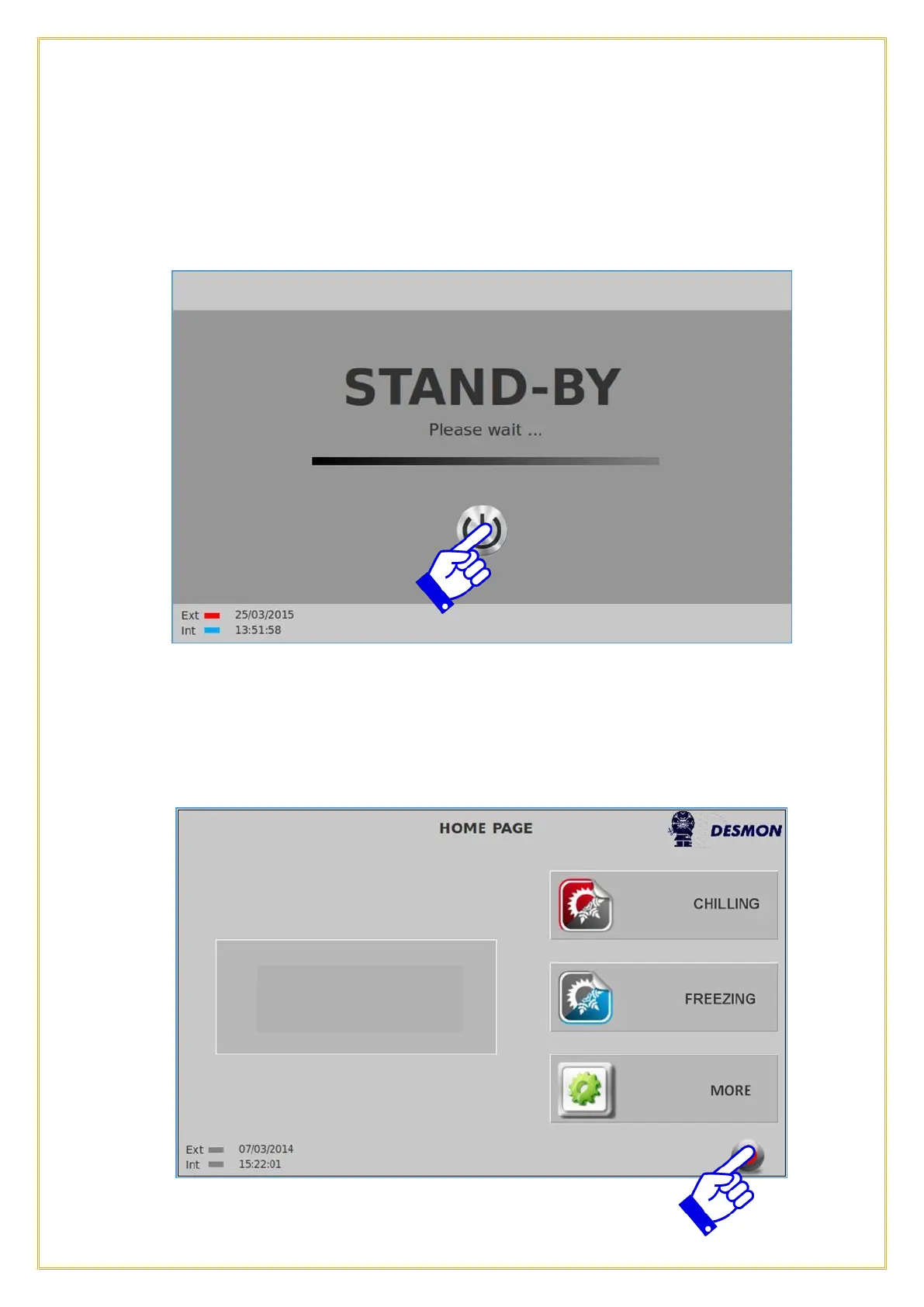
This is the Stand-By screen or the power off mode. To begin, push and hold the Power
Button for 5 seconds, until you see the Status Bar move to the right and it will say
“Please wait”.
The control will initialize and load the software, please allow 15 seconds for it to
complete. This the Home screen. From this screen you can Blast Chill, Blast Freeze or
access the More menu. You can power down the controller by pressing the ON/OFF icon
on the lower right hand corner.



 To Next Page