ThermalRite Blast Chiller Easy Touch Screen Manual
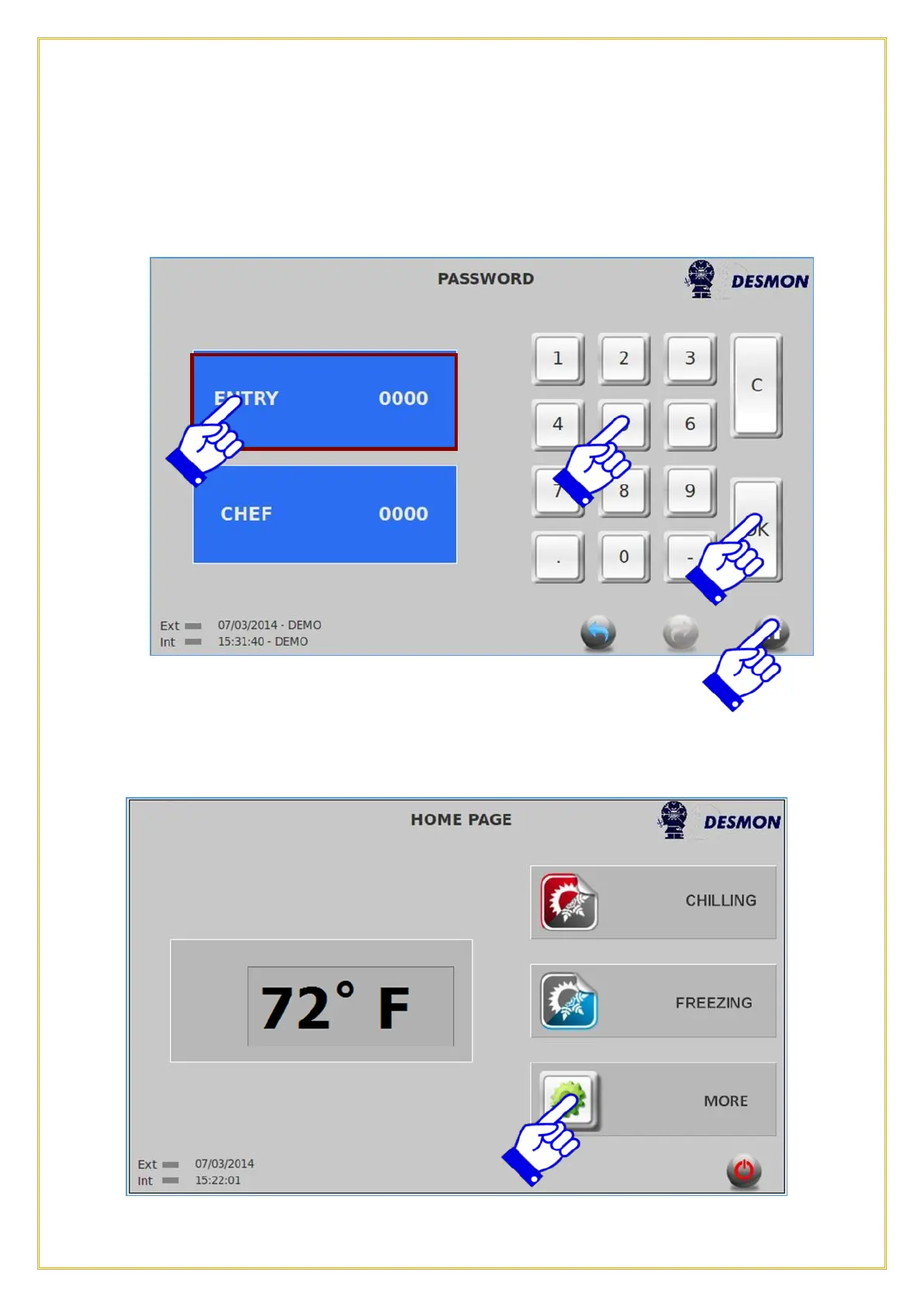
To setup a new Password, select which type of password you wish to enter, ENTRY or
Chef, that tab will be highlighted. Enter the new password you wish to setup and press
ok. After pressing ok, press the Home icon to exit this screen. Once this action is
performed, you will be the only one to access that function.
4.9. Help
The Help button will be used for future storage of videos, manuals, parts lists or
maintenance information. To access this function, from the Home screen, press the More
icon.
49



 To Next Page