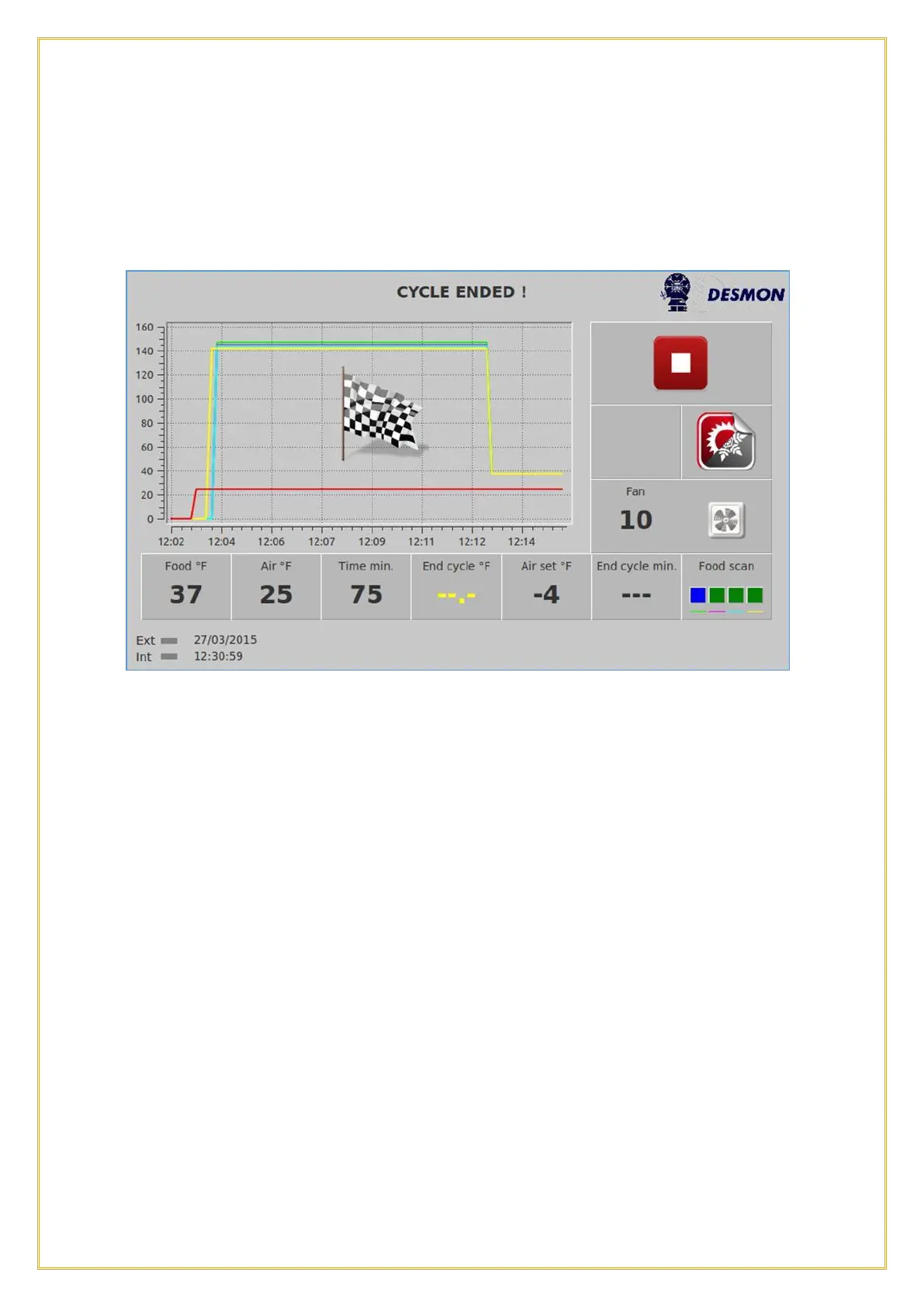
5.8. Cycle End
When the cycle is complete, this is the screen that will appear. The Flag icon shows
the exact time when the target was reached and after going through a Defrost, the
Chiller will automatically switch to the Hold cycle.
5.9. Automatic Holding Cycle
The Hold mode will start automatically. From left to right the screen will show you the
upper temperature limit to trigger a High Temperature alarm, the cavity Air
Temperature during the Chilling mode, the energy usage at this time, the low limit to
trigger a Low Temperature alarm, the set cavity Air Temperature for the Hold cycle,
the amount time the product has been in the Hold cycle and if the unit is in Defrost. If
the Chiller is in Defrost, the Defrost indicator will turn Green.



 To Next Page