4.3.1 Touch Screen Software Update
This functions allows software enhancement updates related to the Touch Screen Display
only. To do a Touch Screen Update please contact the manufacturer service support
team for the necessary files. These files will come in a zipped folder with a tar.gz
extension.
Their names are:
➢
update_db.tar.gz
➢
update_tft.tar.gz
A. Once the files are downloaded onto a pc.
B. Use a PC to copy the above files onto an empty formatted 2GB USB drive.
C. Remove the USB drive from the PC and insert it into the Touch Screen USB port.
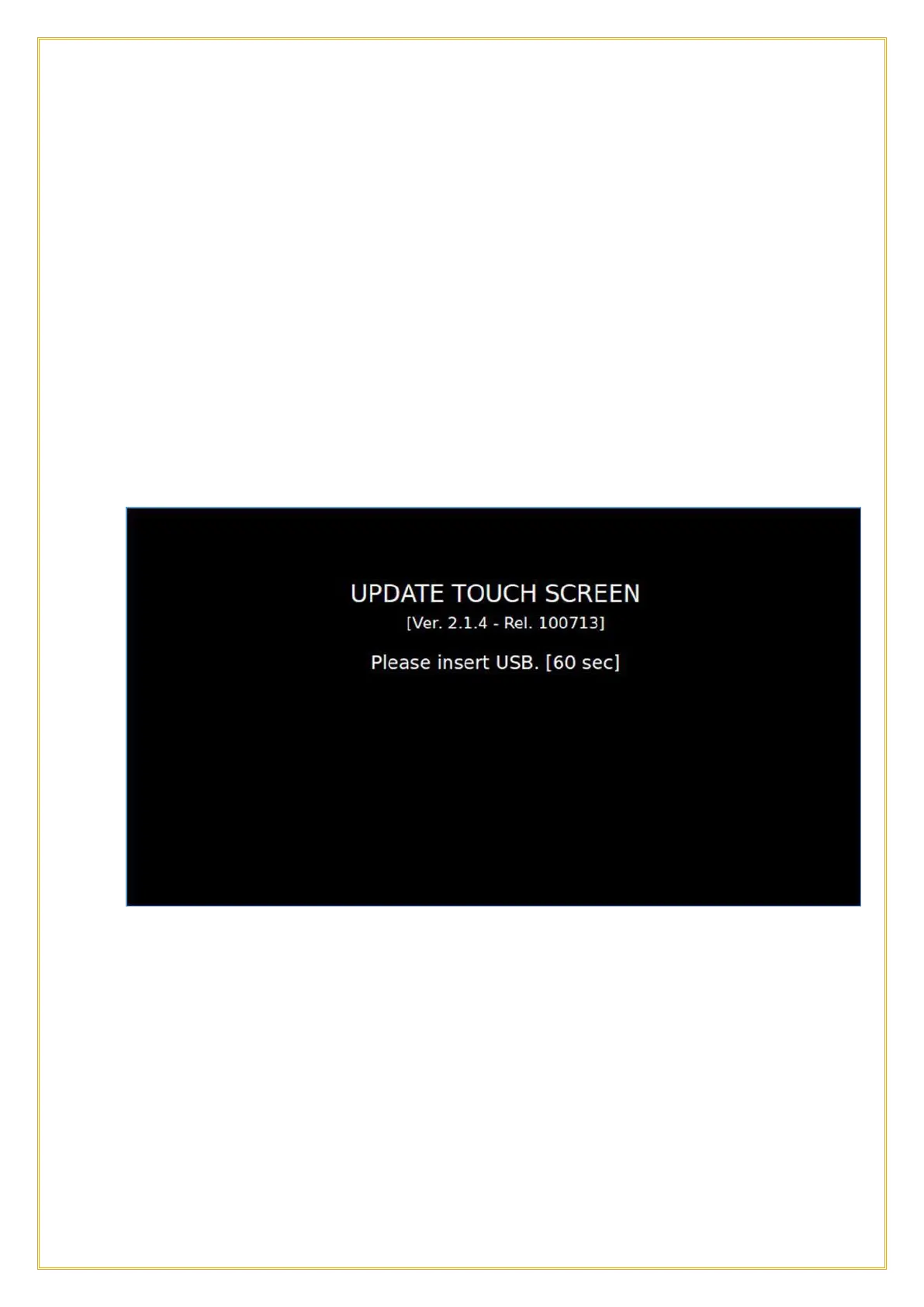
D. Select the USB function and press the tab TOUCH SCREEN UPDATE.
The Display will show the above screen and will restart at the end of the procedure.
4.3.2 Firmware Update
This functions allows a firmware enhancement update related to the Power Relay Board.
To do a Firmware Update please contact the manufacturer service support team for the
necessary files. These files will come in a zipped folder, containing the following files;
➢
CHILL.emi
➢
indexemi.arg
NOTE: the file index.arg changes according to the type of Software Update
(Software, Parameters or both Software and Parameters).
18



 To Next Page