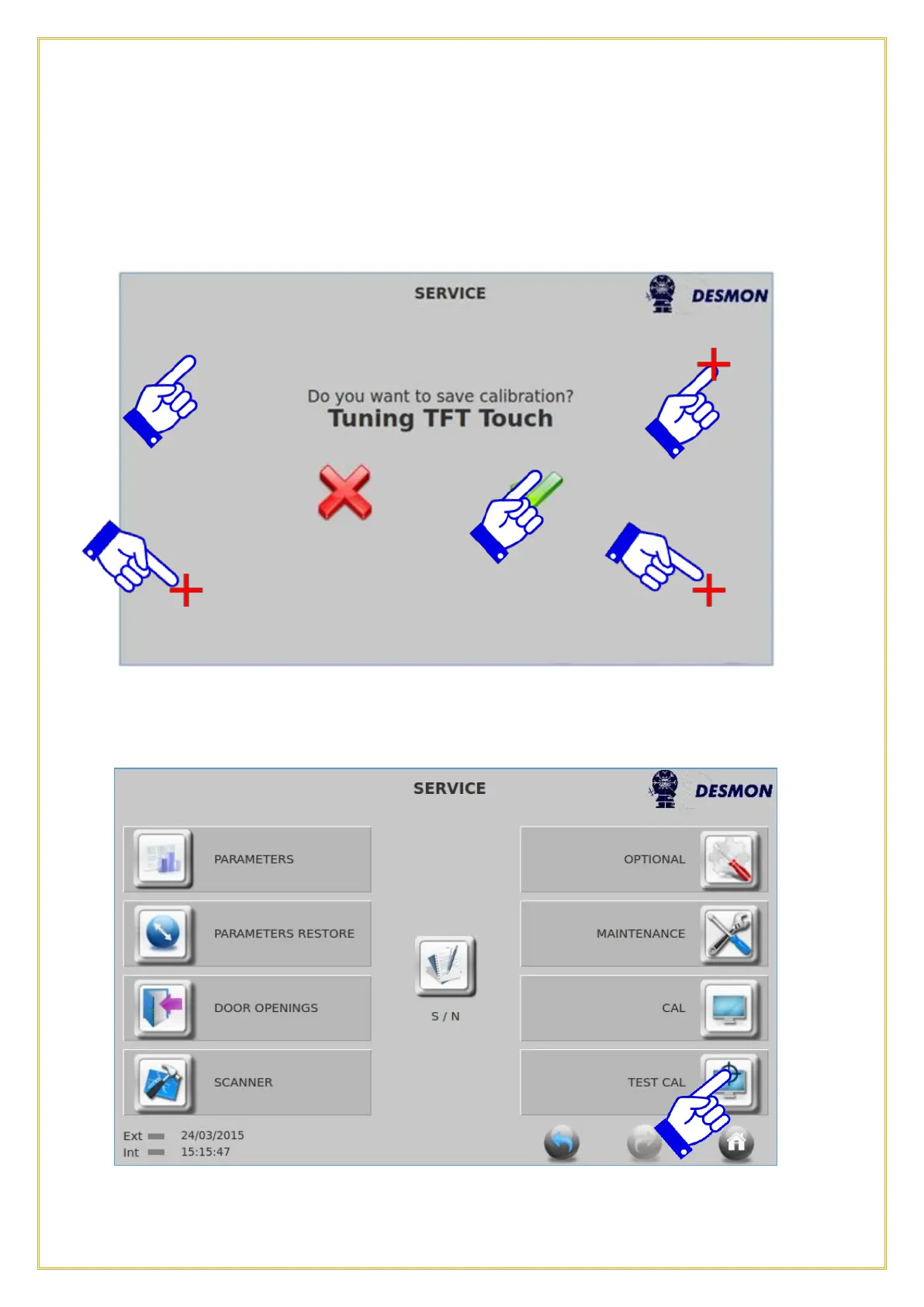
Press on the CAL icon, locate the Red Cross in the upper left hand corner and press on
it, the Cross will move to the upper right hand corner, press there, the Cross will move
to the lower left hand corner, press there and finally the Cross will move to the lower
right hand corner, press there. Press on the Green Checkmark, the calibration is now
complete.
7.9.1. Test Cal (Display Calibration Test)
This function allows the user to test the current display calibration, verifying that the
touch commands are accurately recognized from the display.



 To Next Page