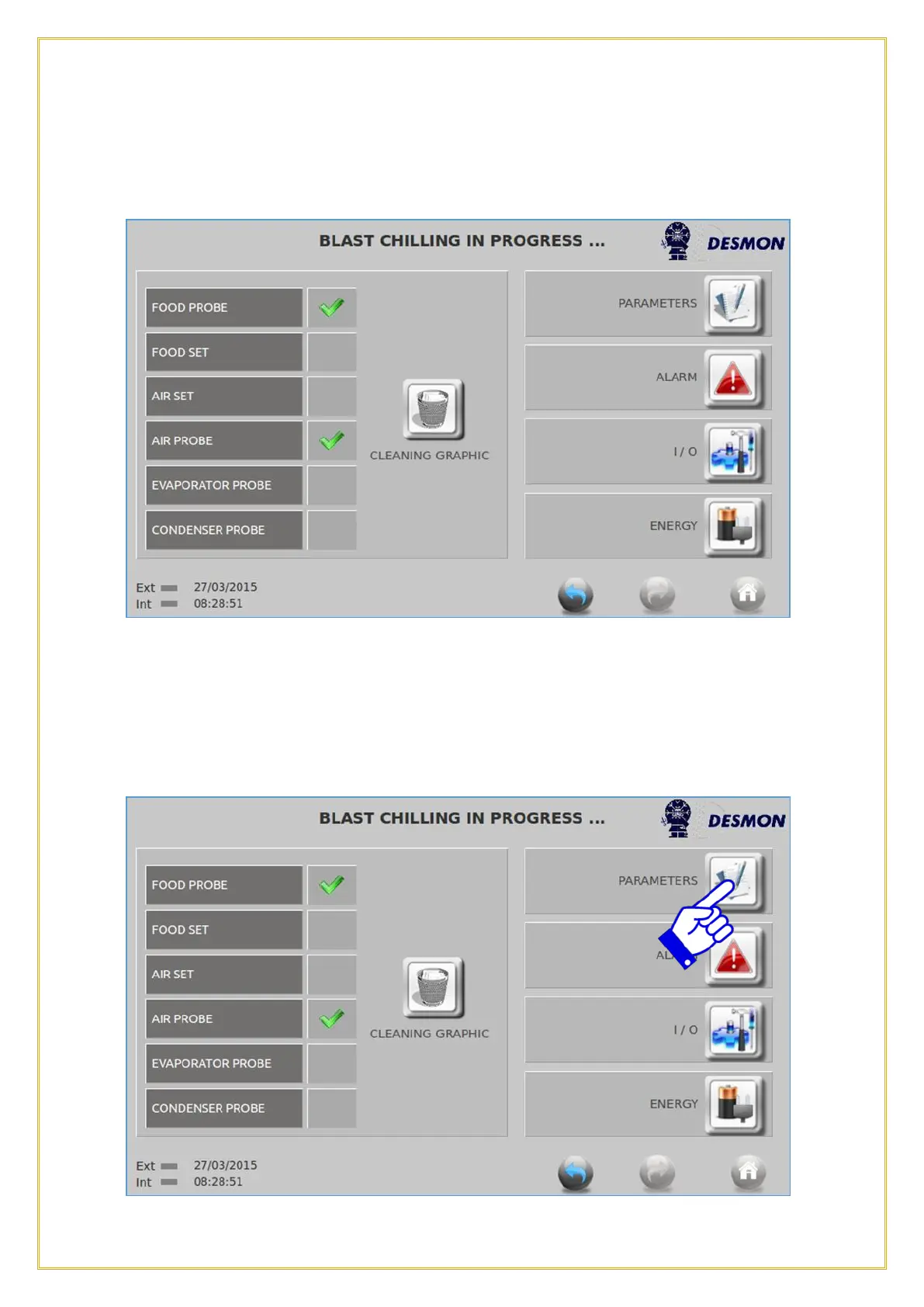
numerous probes on the graph, the more that are enabled, the busier and crowded the
graph will become.
By pressing on PARAMETERS icon, the Parameter screen will appear and it allows the
user or service technician to check all the control Parameter settings. These parameters
cannot be changed in this screen and are for reference only. Push the Return icon to
return to the previous screen.



 To Next Page