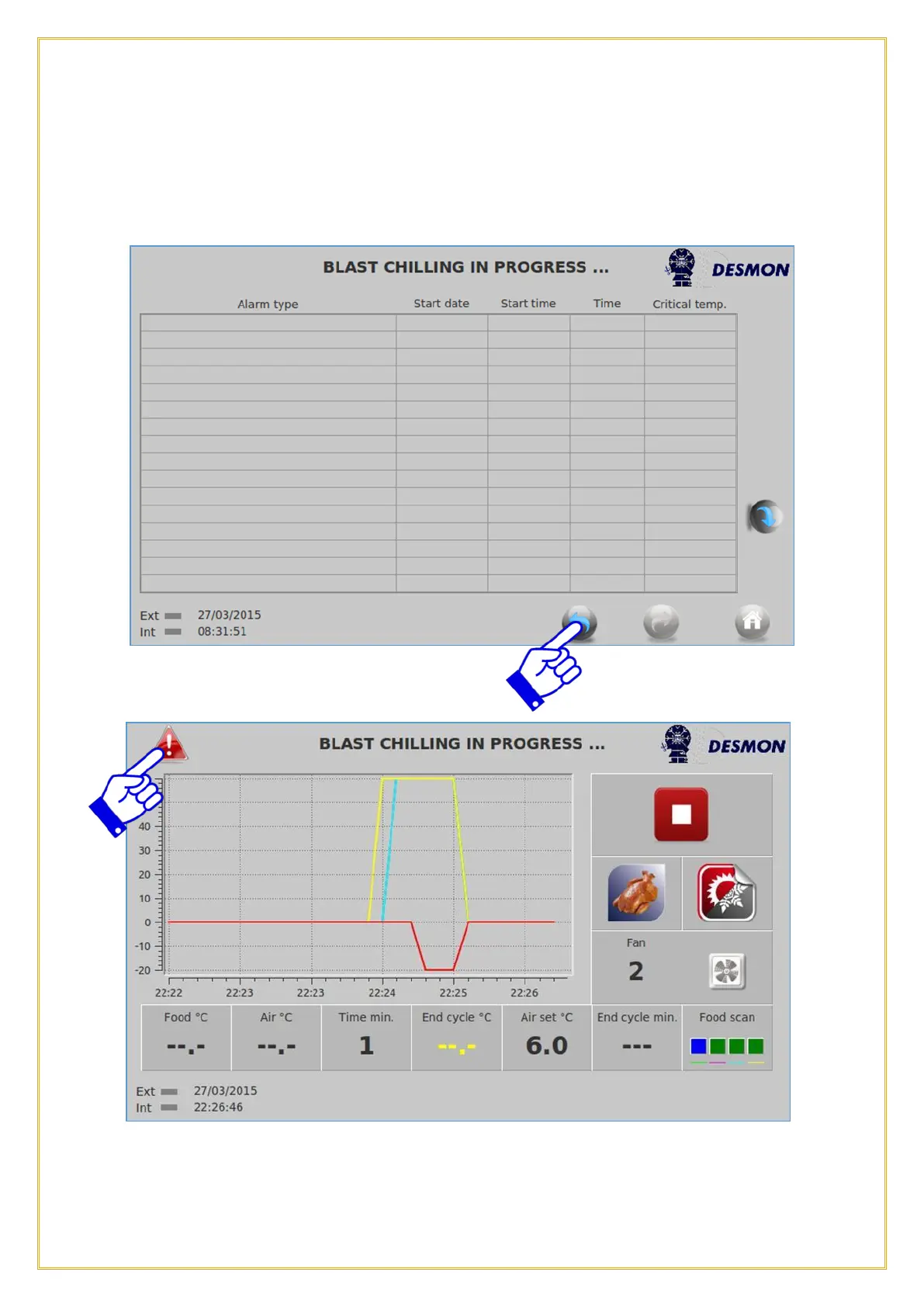
This screen will show any alarms that have occurred, the time and date they started, if
they are occurring now and if they were a critical alarm, that will shut down the unit.
There will also be an alarm indicator in the upper left corner of the graph screen. Pressing
on the Return icon will take the user back to the previous screen.
By pressing on the Alarm icon, this screen will appear and tell you the type of alarm that
occurred. This will also show up on the Alarm List.



 To Next Page