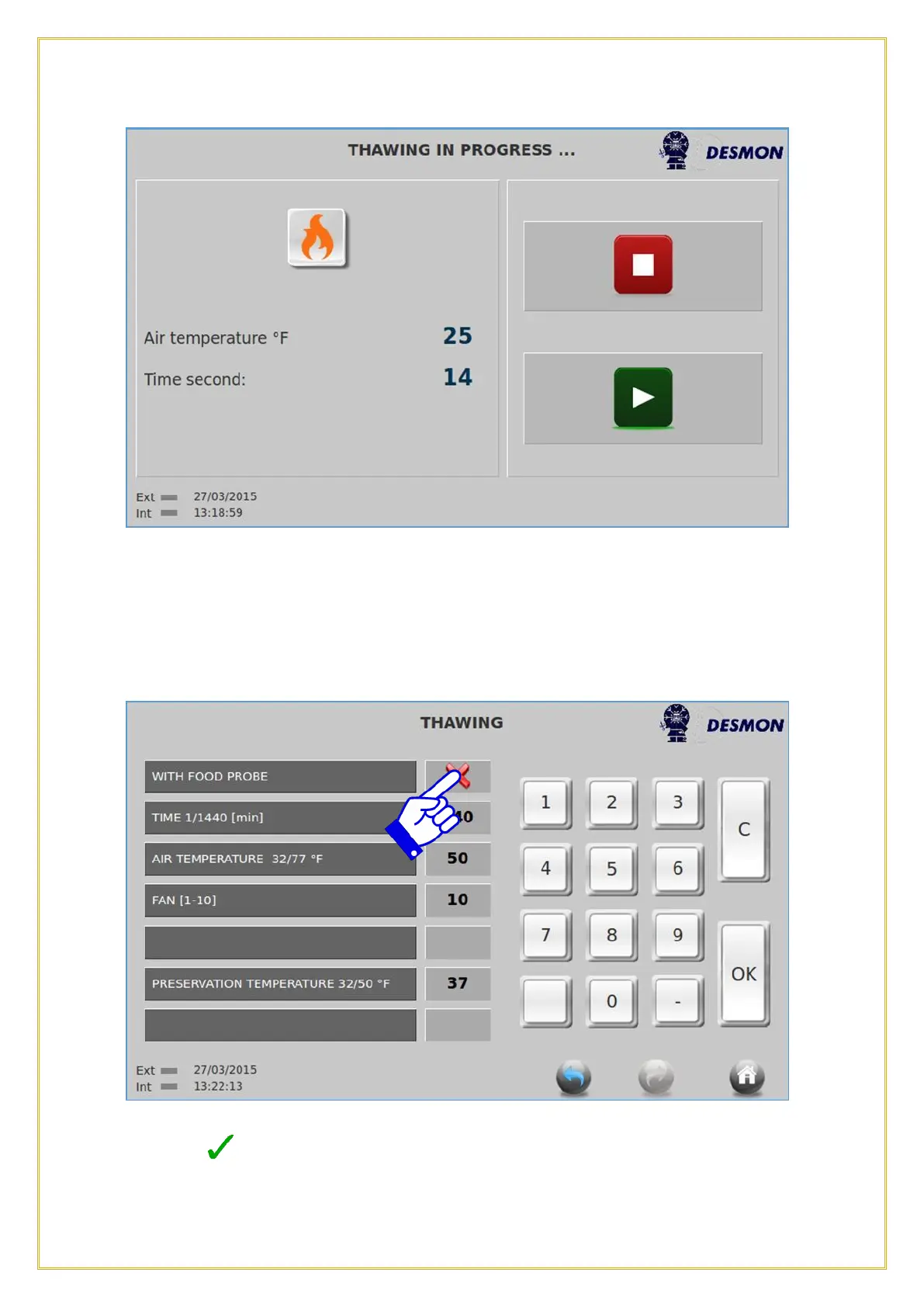
The air temperature can be set within a range of 32°F(0°C) to 77°F(25°C). The Product
Probe can be also used to run a product temperature based cycle, providing a visual
notification from the display when the product is thawed. Or it can be set to run a time
based cycle for a predetermined time. Press the Green Start icon to start the process.
To allow the Product Probe to be used, push the tab with the Red X and and a Green
Checkmark will appear. The Time option will disappear and you can then set your
Product Probe temperature.



 To Next Page