Design and function
Special parameters (advanced settings)
099-005221-EW501
16.04.2014
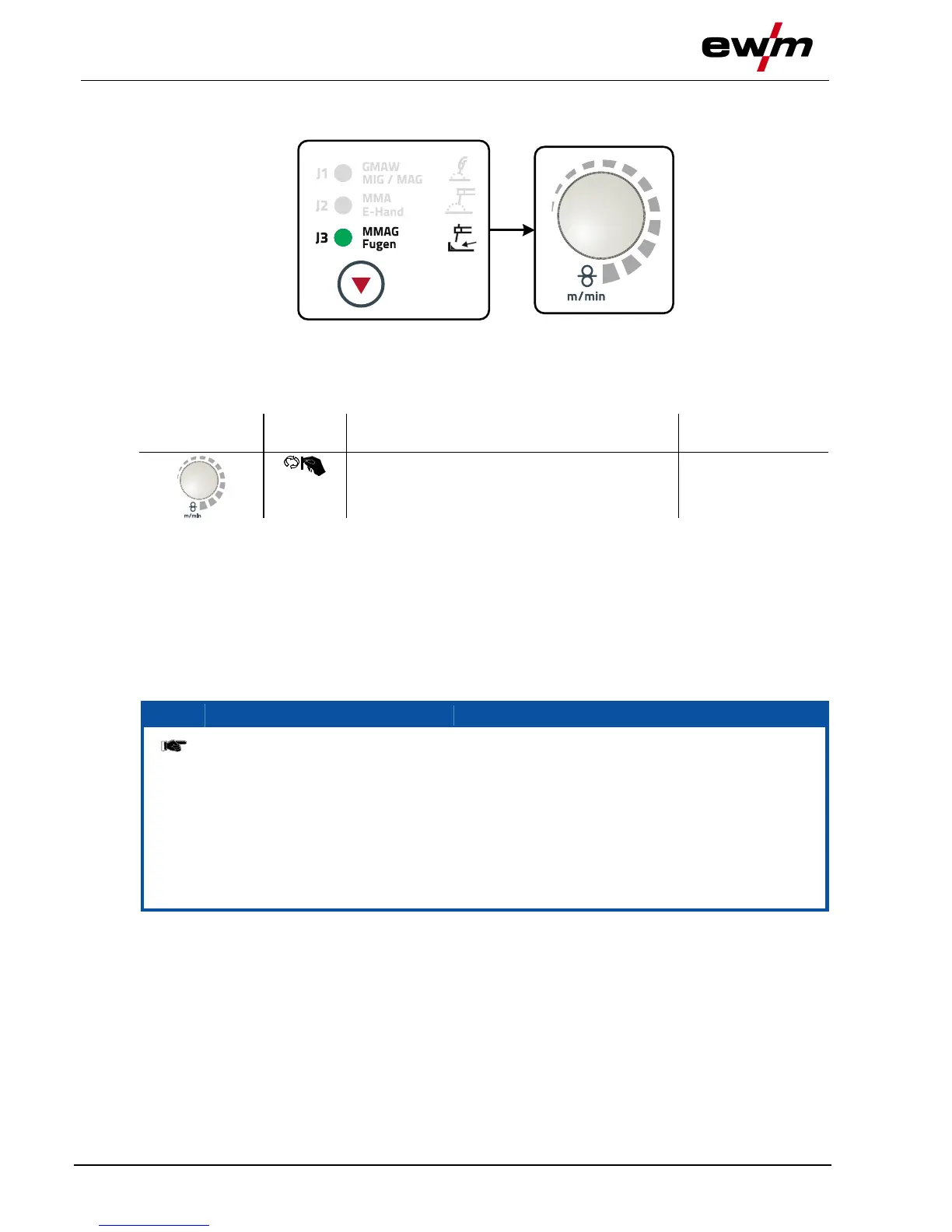
5.13.2 Welding task selection
Figure 5-22
5.13.2.1 Welding current setting
The welding current is normally set using the "Wire speed" rotary dial.
5.14 Special parameters (advanced settings)
Special parameters (P1 to Pn) are applied for customer-specific configuration of machine functions. This
allows the user maximum flexibility in optimising their requirements.
These settings are not configured directly on the machine control since a regular setting of the
parameters is generally not required. The number of selectable special parameters can deviate between
the machine controls used in the welding system (also see the relevant standard operating instructions).
If required, the special parameters can be reset to the factory settings.
5.14.1 Selecting, changing and saving parameters
ENTER (Enter the menu)
• Switch off the machine at the main switch.
• Press and hold the "operating mode" push-button and switch the machine on again at the
same time.
NAVIGATION (Navigate the menu)
• Select parameters by turning the "welding parameter setting" rotary knob.
• Set or change the parameters by turning the "welding voltage" rotary knob.
EXIT (Exit the menu)
• Press the "gas test" push-button (switch machine off and on again).







 To Next Page