33 FPM-600/FLS-600
To activate a light source (or VFL) and change the wavelength:
Press to activate each available source in turn, including the VFL. The
unit displays the wavelength and modulation.
To deactivate the light source:
Press until you get past the last source.
Modulating the Source Signal
When you activate the first source (after turning on the unit), the signal is
always CW (unmodulated). When you switch sources, the modulation
remains the same (VFL remembers its own modulation). Modulation is
indicated in the top left (port #1) or top right (port #2) corner.
Available modulation values are: CW, Auto, auto-switching mode,270 Hz, 1
kHz and 2 kHz (VFL: CW and 1 Hz only).
Note:
Auto is a modulated signal detected by compatible units (see Automatically
Detecting Wavelength on page 28). It provides longer battery life than CW,
but covers a reduced power range.
FLS-600
Using a Light Source (FLS-600) or VFL
Activating/Deactivating a Light Source or VFL
Activating/Deactivating a Light Source or VFL
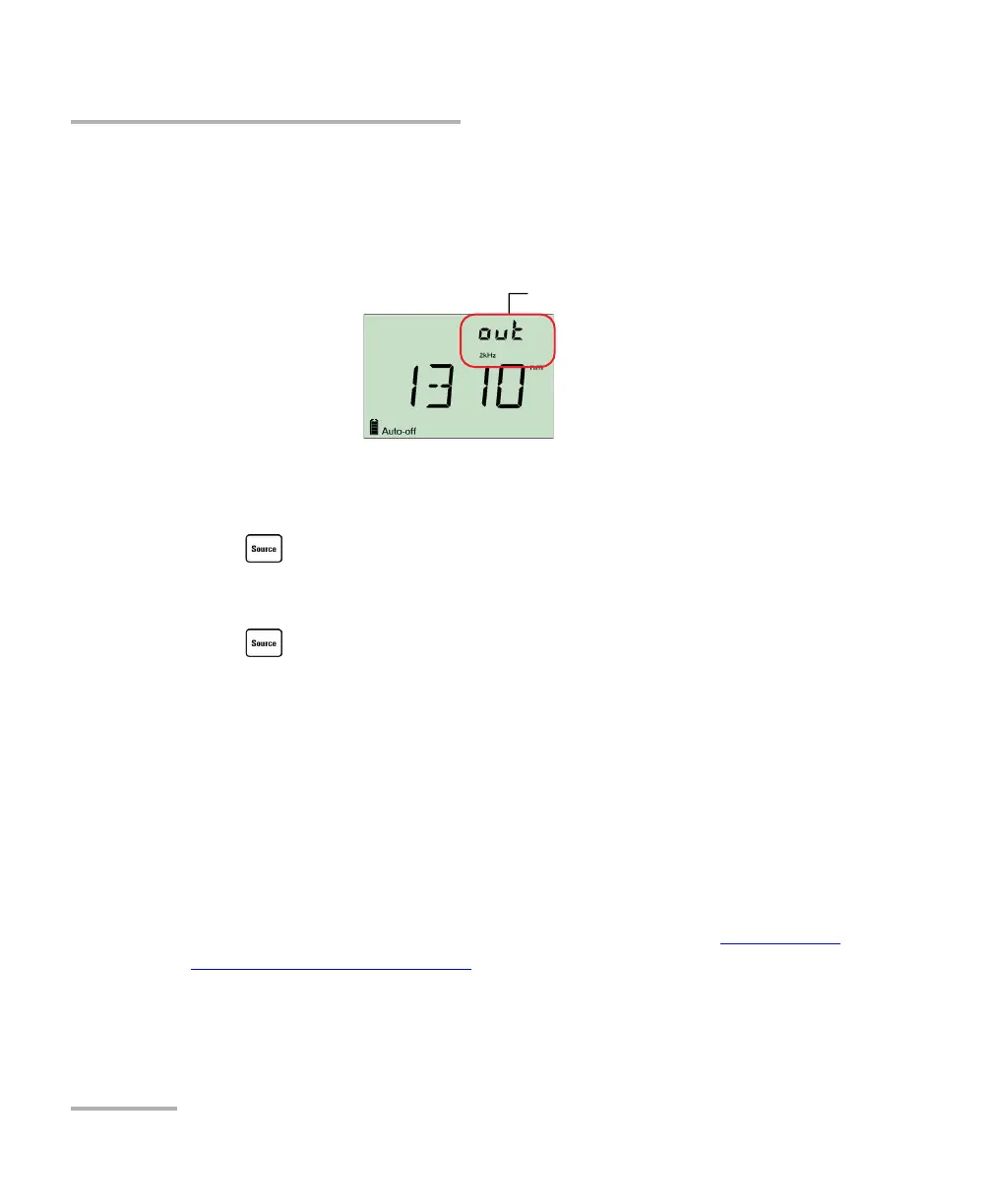
Only one source may be active at a time. When no source is active, the unit
displays OFF.
Active source port



 To Next Page