23 FPM-600/FLS-600
Note:
When using this feature, you cannot change the power meter’s wavelength
manually. The power meter behavior is totally determined by the source.
The value sent is not the source’s actual power. It is a user-defined
value that may not take the optical link’s loss into account.
To receive the reference power value from a compatible source:
1. Connect a compatible source to your power meter
(as shown below, with or without a fiber under test).
2. Use the source to emit the signal that contains its power
value (see To change the signal modulation: on page 34).
If reference value or units change, the power meter beeps.
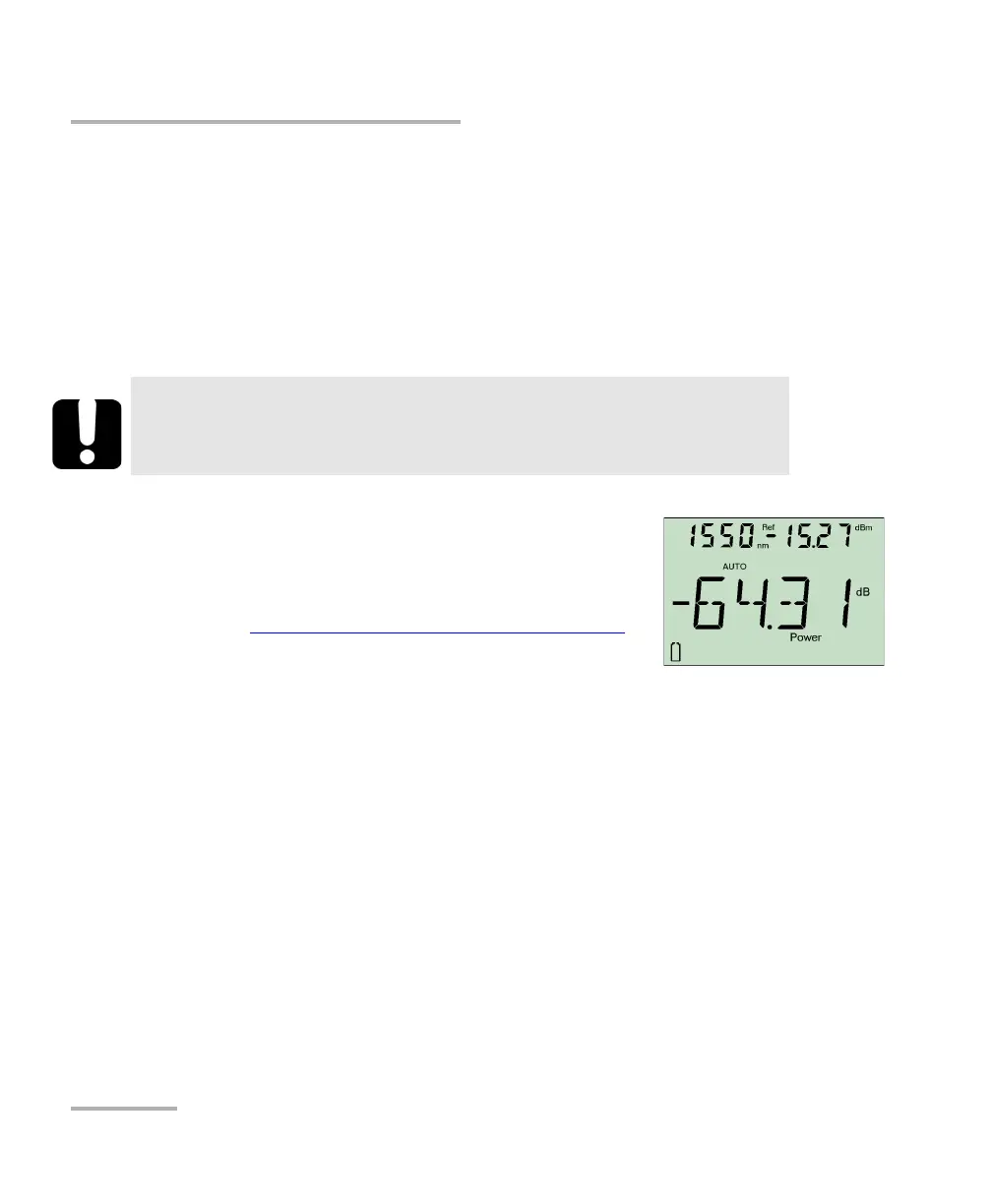
The new reference power is displayed in the top right corner (in dBm)
and current loss reading is automatically switched to dB.
Measuring Power or Loss (FPM-600)
Referencing Your Power Meter to a Source
Referencing Your Power Meter to a Source
In reference mode, your unit displays the loss created by the fiber under test only, since a reference value
is subtracted from the measured power.
Note: You must set a reference value separately for each wavelength.
Compatible sources can transmit a power value to your power meter, avoiding the need for
manual referencing.
IMPORTANT



 To Next Page