19
FPM-600/FLS-600
Note:
Some other products express the CF in dB, so the CF would be added to
measured power.
To set a correction factor for one or more wavelengths:
1. From normal operating mode, press
repeatedly until you reach PM.
2. Press
press
to access the first submenu, then
repeatedly until you reach the CF
menu.
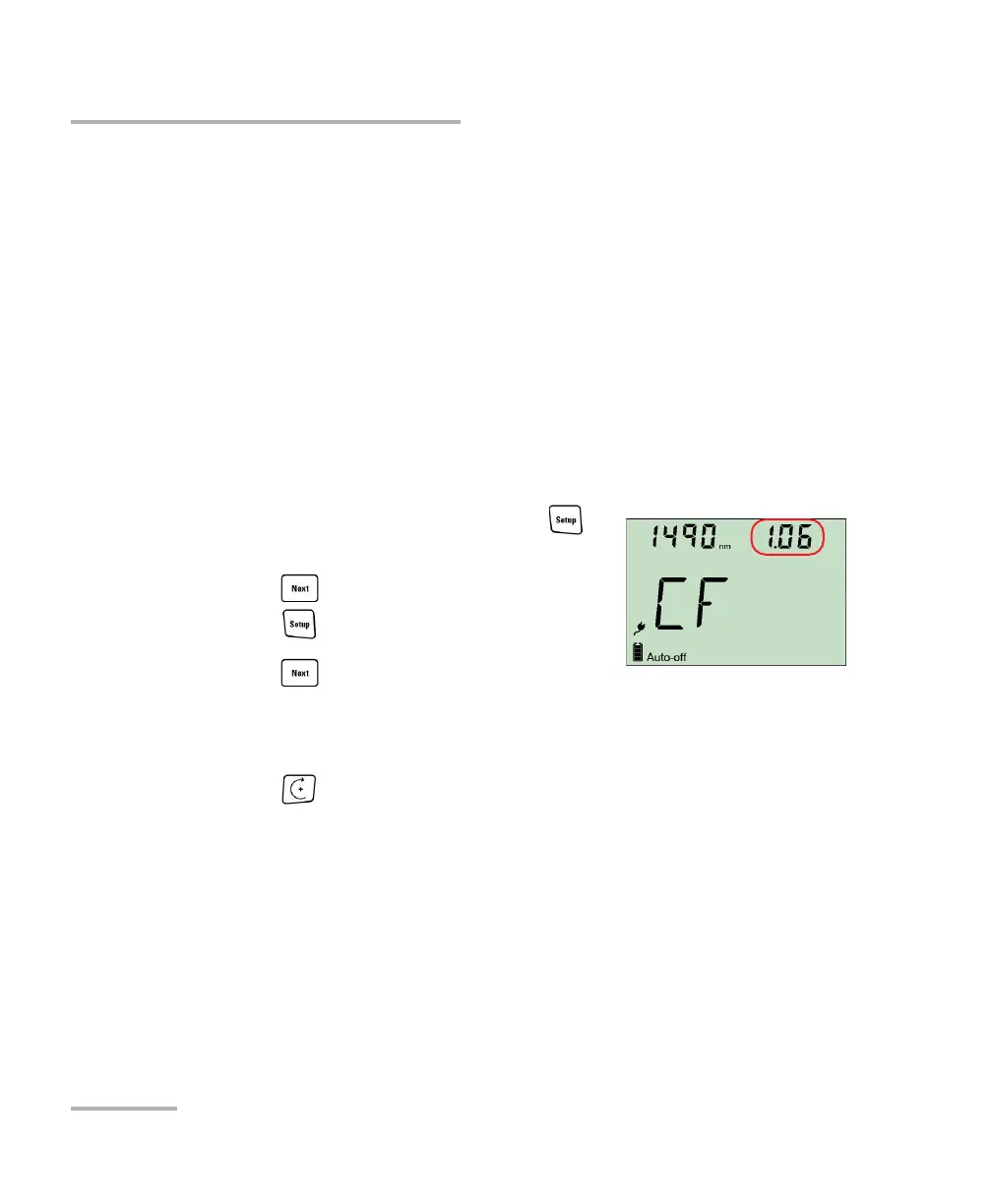
3. Press to switch between available
wavelengths. An asterisk (*) appears beside activated correction
factors. If no correction factor is set for a wavelength, the unit indicates
“----”.
4. Press to activate/deactivate the displayed correction factor. A “CF”
indicator will appear next to measured power in normal mode.
Measuring Power or Loss (FPM-600)
Setting Power Correction Factor
Setting Power Correction Factor
You may apply a correction factor (CF) to measured power to compensate
for inaccuracies or drifts. You should change the CF after performing an
offset nulling.
Pow er
co r rec t ed
= Po wer
me a sur e d
C F
For each favorite wavelength, the CF is set to 1.00 at the factory (even if the
unit indicates “----”), but allowed values range between 0.85 and 1.15.



 To Next Page