37
6
Saving and Recalling
Power/Loss Values
You can save 1000 power/loss values in your unit, along with references.
You will save and recall this data according to cable names and fiber
numbers. To free up memory, you can transfer saved data to a computer or
simply delete all.
Setting Autonaming Scheme
When saving data, the unit suggests fiber IDs based on autonaming
settings. After saving a value, the unit prepares the next fiber ID according
to the selected increment (0, 1 or 2).
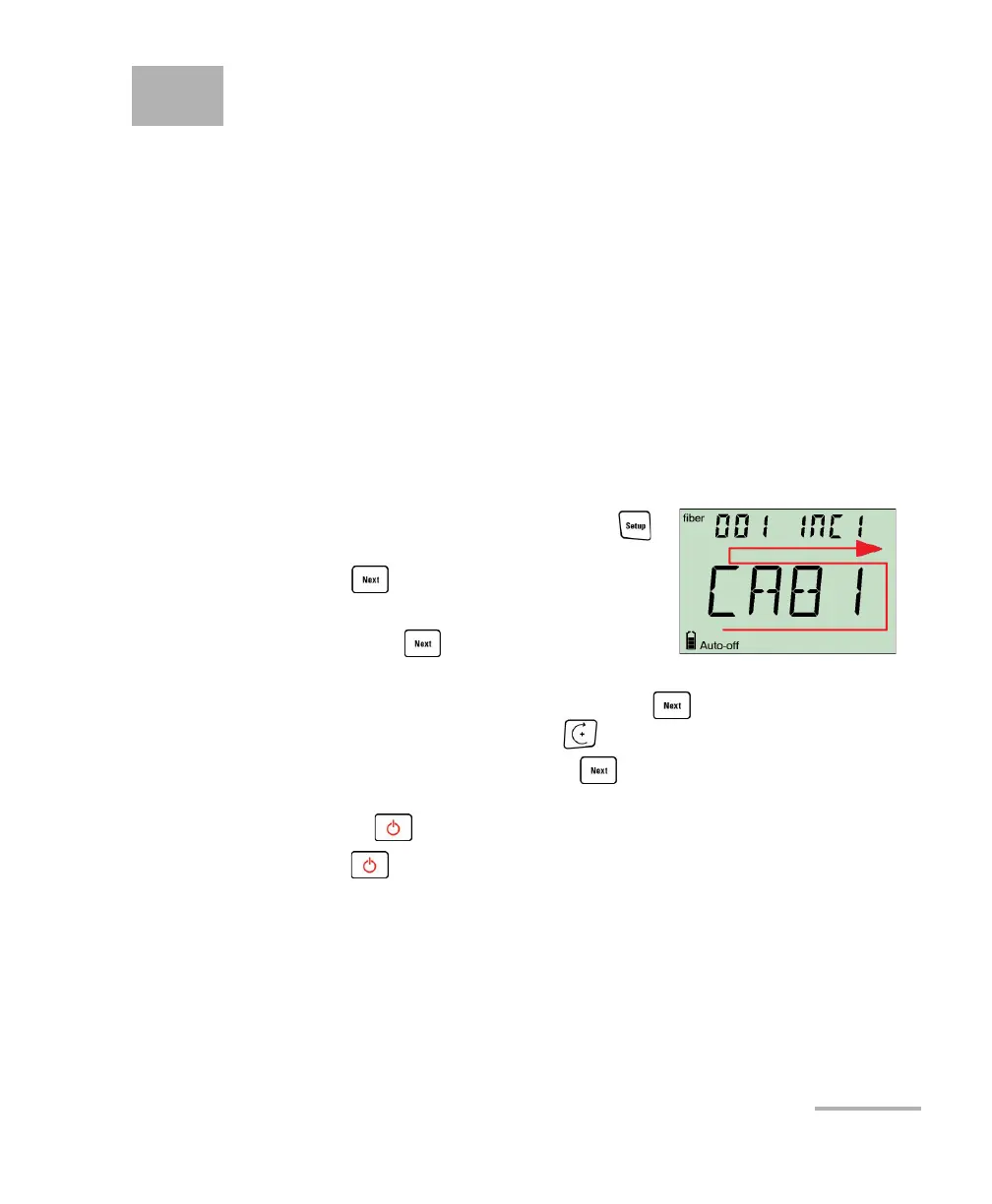
To define the cable name and the starting fiber ID and increment
value:
1. From normal operating mode, press
repeatedly until you reach DATA.
2. Press to access CAB1 or the last cable
name edited.
3. Hold down until the first character of
the cable name blinks.
4. Select a character to change by holding until it blinks, then
increase its value by pressing (it returns to 0 after Z).
5. While a digit blinks, hold down for a few seconds to save the
modified value (it remains in memory even when you turn off the unit)
or press
6. Press
to return to the previous value without saving.
twice to exit setup menus.



 To Next Page