41
Saving and Recalling Power/Loss Values
Transferring Data to a Computer
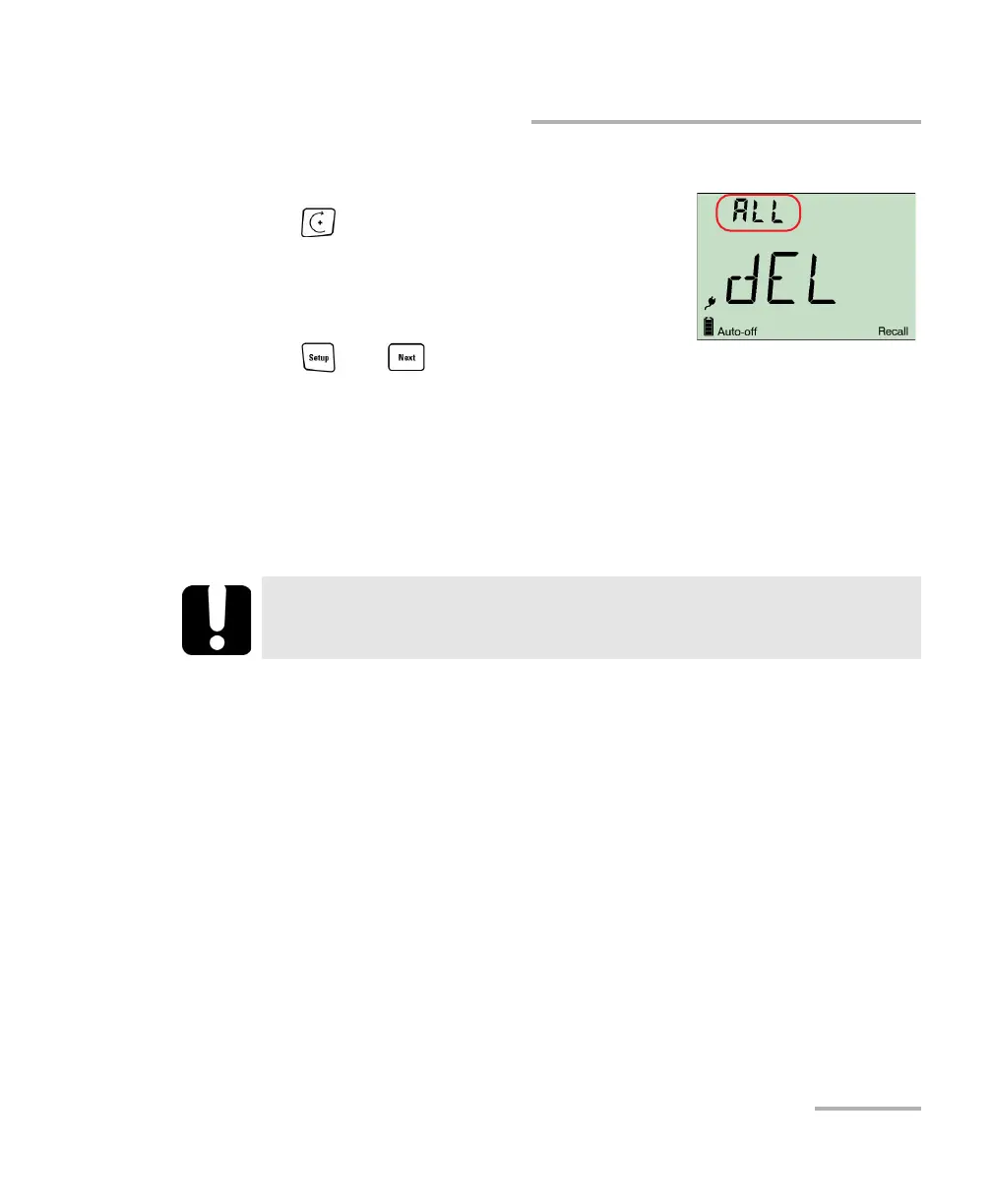
To delete all saved data from the unit:
1. From normal operating mode, hold down
2. a few seconds.The Recall indicator is
displayed with the last cable name, then the
last saved value and its fiber ID.
2. When fiber ID is displayed, hold down both
and for a few seconds. The unit
displays “dEL” and “ALL”, then automatically returns to normal mode.
Transferring Data to a Computer
Using an appropriate USB cable and the Handheld Data Transfer software,
you can transfer saved data from your handheld unit to a computer. This
way, you can increase storage capacity, perform better analyses on your
data and create reports.
Note:
For details about setting up the software and transferring data, refer to the
Handheld Data Transfer online help.
IMPORTANT
Transferred data is not automatically deleted from your unit.
To transfer data to a computer:
1. Using a USB cable, connect your unit to an available USB port of the
computer.
2. Turn on both the computer and your handheld unit. Connect your unit
to a power outlet to ensure that your unit will remain on during the
transfer.
3. On the computer, launch the Handheld Data Transfer application and
start the operation.
The unit displays “REM” and temporarily deactivates the keyboard and
auto-off.



 To Next Page