Setting Up Your Variable Attenuator
30 FVA-3100
Selecting and Using an Attenuation Display Mode
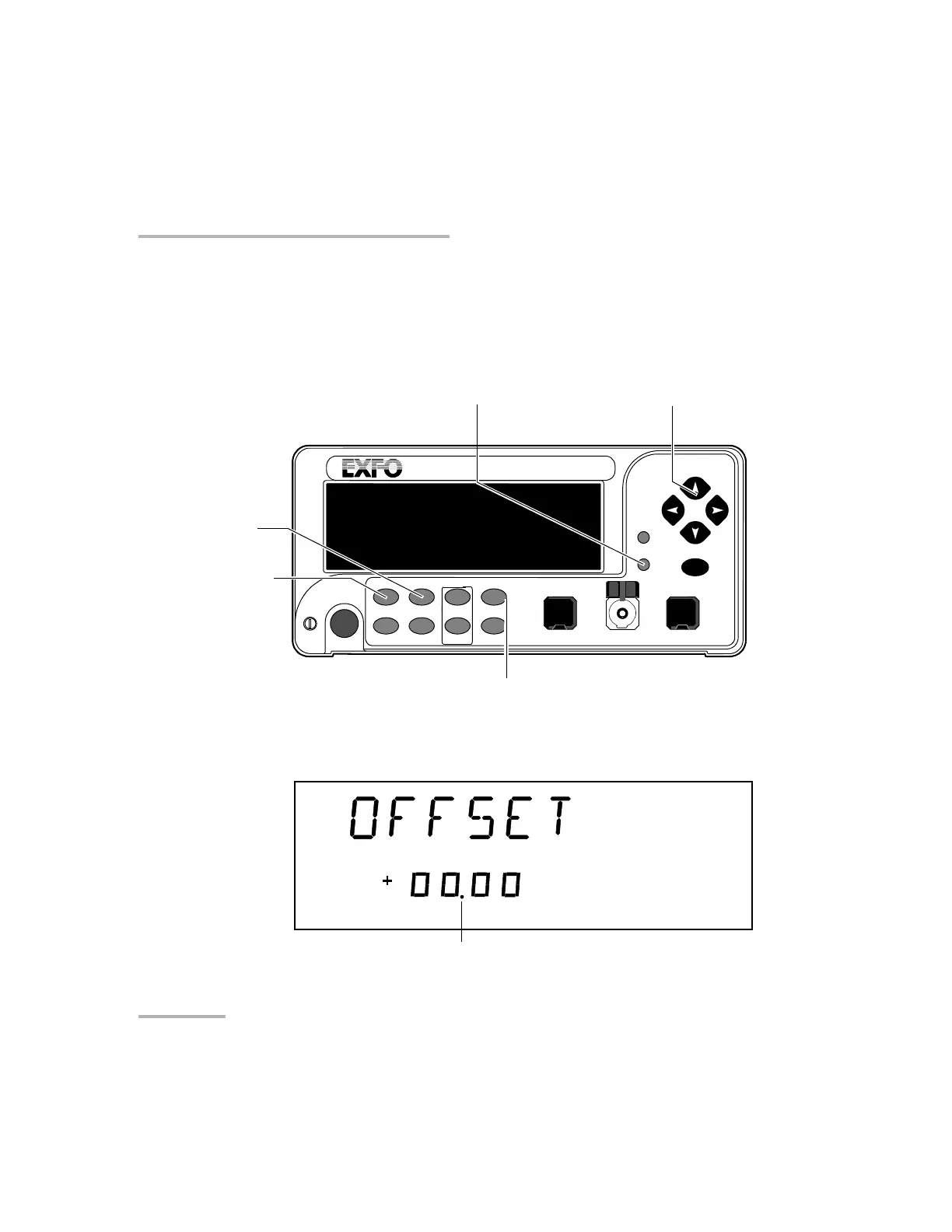
To define an offset value for a specific wavelength:
1. Set the Variable Attenuator to the appropriate wavelength.
2. Choose Setup.
3. Press the left/right until OFFSET is displayed.
VARIABLE ATTENUATOR
FVA-3100
Offset
ENTER
Abs Up Shutter
Ref
λ
Down Attenuation
Program
Setup
Offset mode access
Absolute mode access
Arrow buttons for menu navigation
and parameter setting
Shutter control
Step
In Monitor Out
Setup menu access
Shutter
dBm
Current offset value for
the selected wavelength
Artisan Technology Group - Quality Instrumentation ... Guaranteed | (888) 88-SOURCE | www.artisantg.com













 To Next Page