Setting Up Your Variable Attenuator
32 FVA-3100
Selecting and Using an Attenuation Display Mode
To use the offset mode:
1. Ensure that the display is in Absolute mode (choose Abs).
2. Select the appropriate wavelength by pressing the wavelength control
until you reach the desired wavelength.
3. If necessary, set an offset value.
4. Choose Offset. The display will switch to Offset mode.
Note: The offset value can be modified while Offset mode is active.
Any value within the attenuation range may be selected as the reference.
When Reference mode is enabled (by choosing Ref),
➤ the current absolute attenuation setting becomes the reference value
and appears in the lower portion of the display; and
➤ 0.00 dB (relative attenuation) is displayed in the upper portion of the
display.
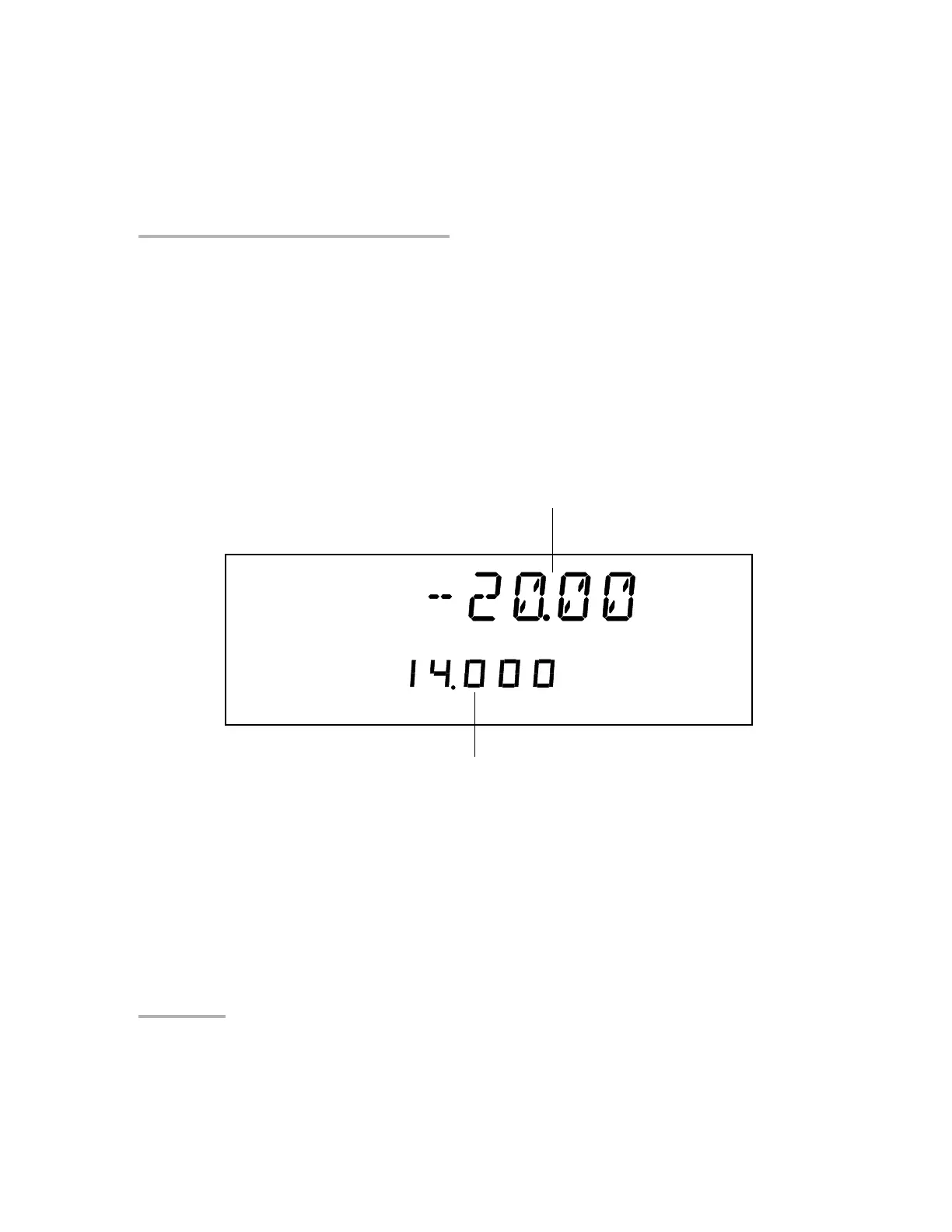
Offset
dB
dB
Offset attenuation
(actual attenuation is -6.00 dB)
Offset value for the
current wavelength
Artisan Technology Group - Quality Instrumentation ... Guaranteed | (888) 88-SOURCE | www.artisantg.com













 To Next Page