Setting Up Your Variable Attenuator
36 FVA-3100
Saving and Recalling a Configuration
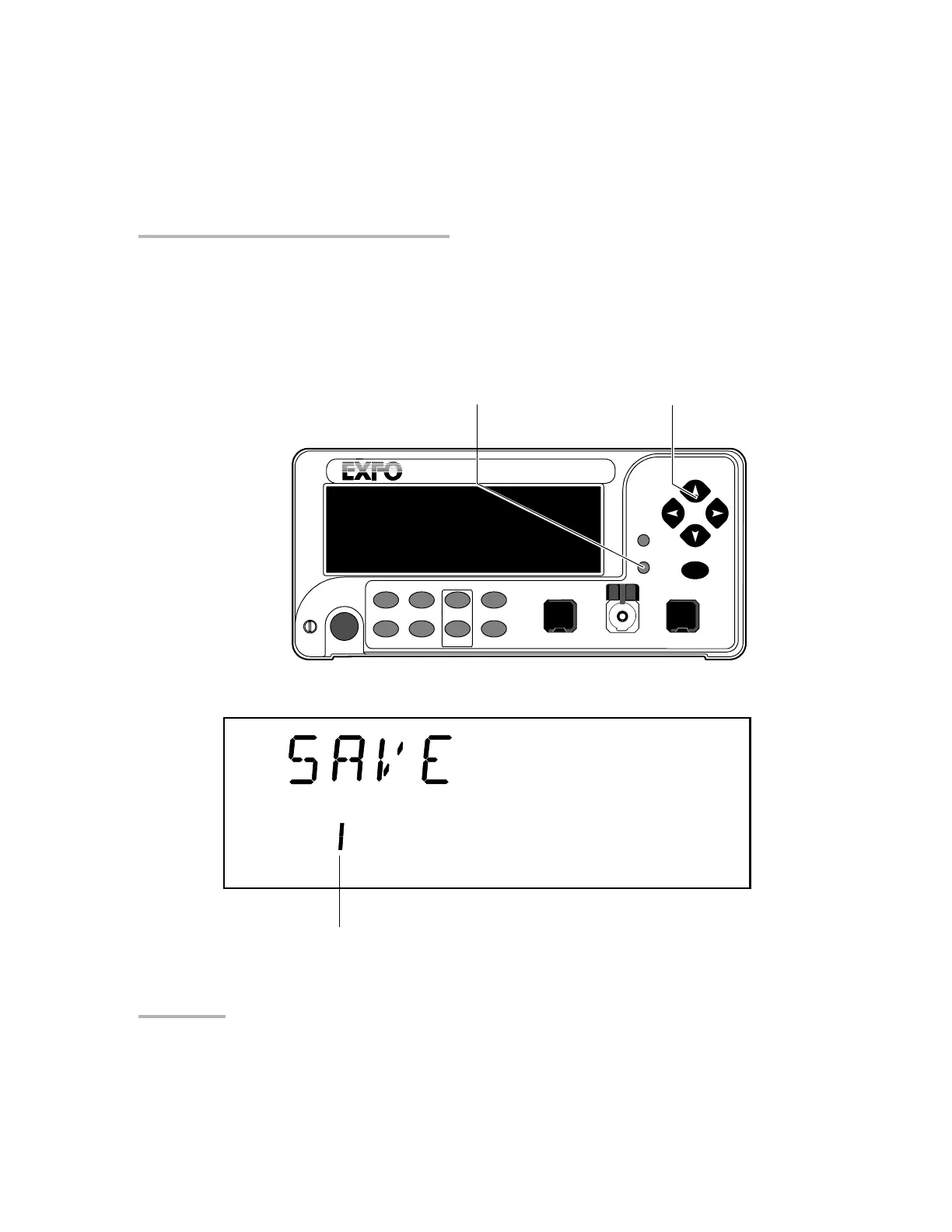
To save a configuration:
1. Customize the Variable Attenuator as required.
2. Press the Setup button.
3. Press the left/right arrows until SAVE is displayed.
4. Press ENTER. The configuration number will start flashing.
VARIABLE ATTENUATOR
FVA-3100
Offset
ENTER
Abs Up Shutter
Ref
λ
Down Attenuation
Program
Setup
Arrow buttons for menu navigation
and parameter setting
Step
In Monitor Out
Setup menu access
Shutter
Configuration number
Artisan Technology Group - Quality Instrumentation ... Guaranteed | (888) 88-SOURCE | www.artisantg.com













 To Next Page