Operating Your Variable Attenuator
Variable Attenuator 43
Performing an Attenuation Routine
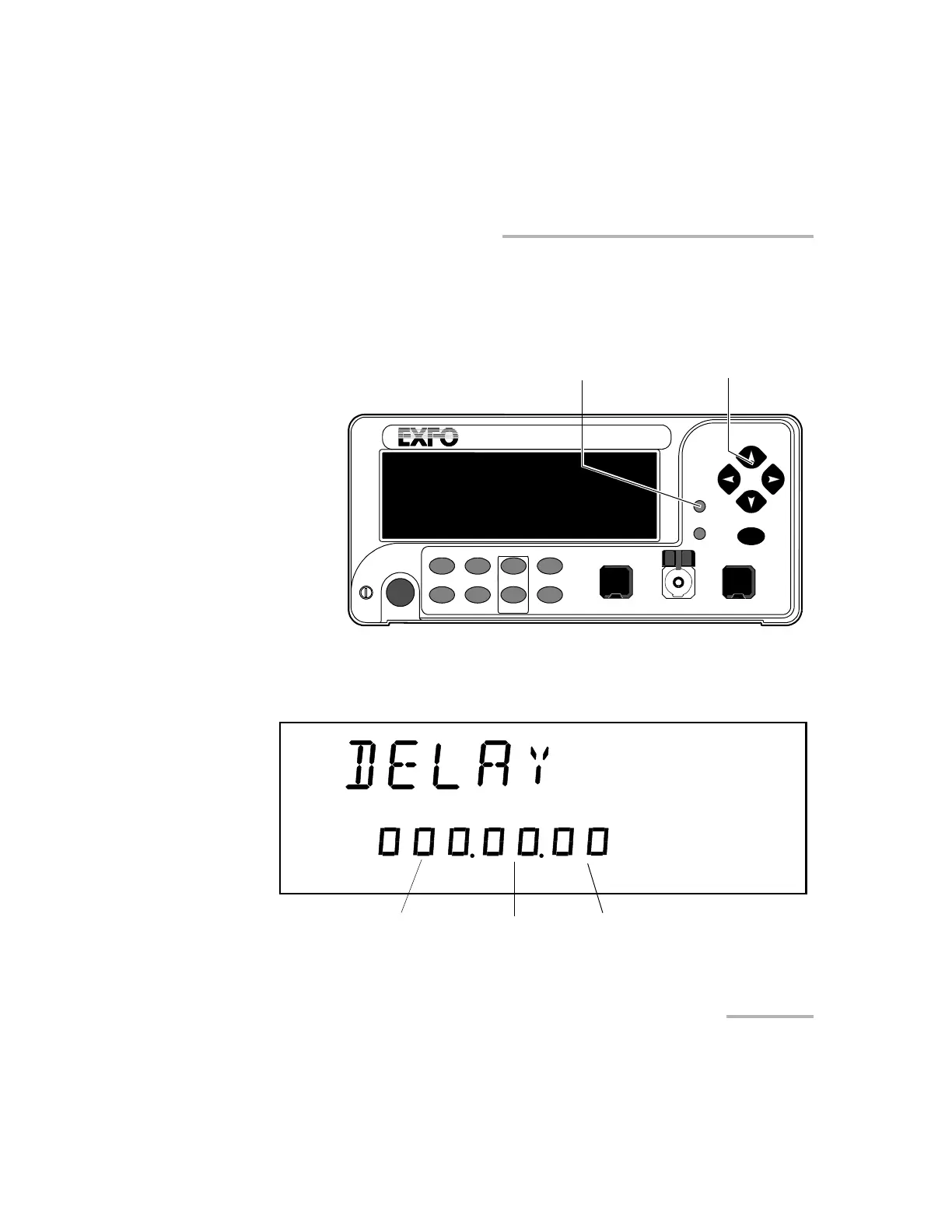
To program the attenuation routine:
1. Press on the Program button.
2. Press ENTER. The first digit will start flashing. Use the up/down arrows
to change the flashing digit and the left/right arrows to activate the next
digit.
VARIABLE ATTENUATOR
FVA-3100
Offset
ENTER
Abs Up
Shutter
Ref
λ
Down Attenuation
Program
Setup
Arrow buttons for menu
navigation and parameter setting
Program menu access
Step
In Monitor Out
Shutter
Hours Seconds
Minutes
Artisan Technology Group - Quality Instrumentation ... Guaranteed | (888) 88-SOURCE | www.artisantg.com













 To Next Page