Operating Your Variable Attenuator
44 FVA-3100
Performing an Attenuation Routine
3. If you do not want the routine to be delayed, leave the delay at
000.00.00.
4. Once the delay is set, press ENTER.
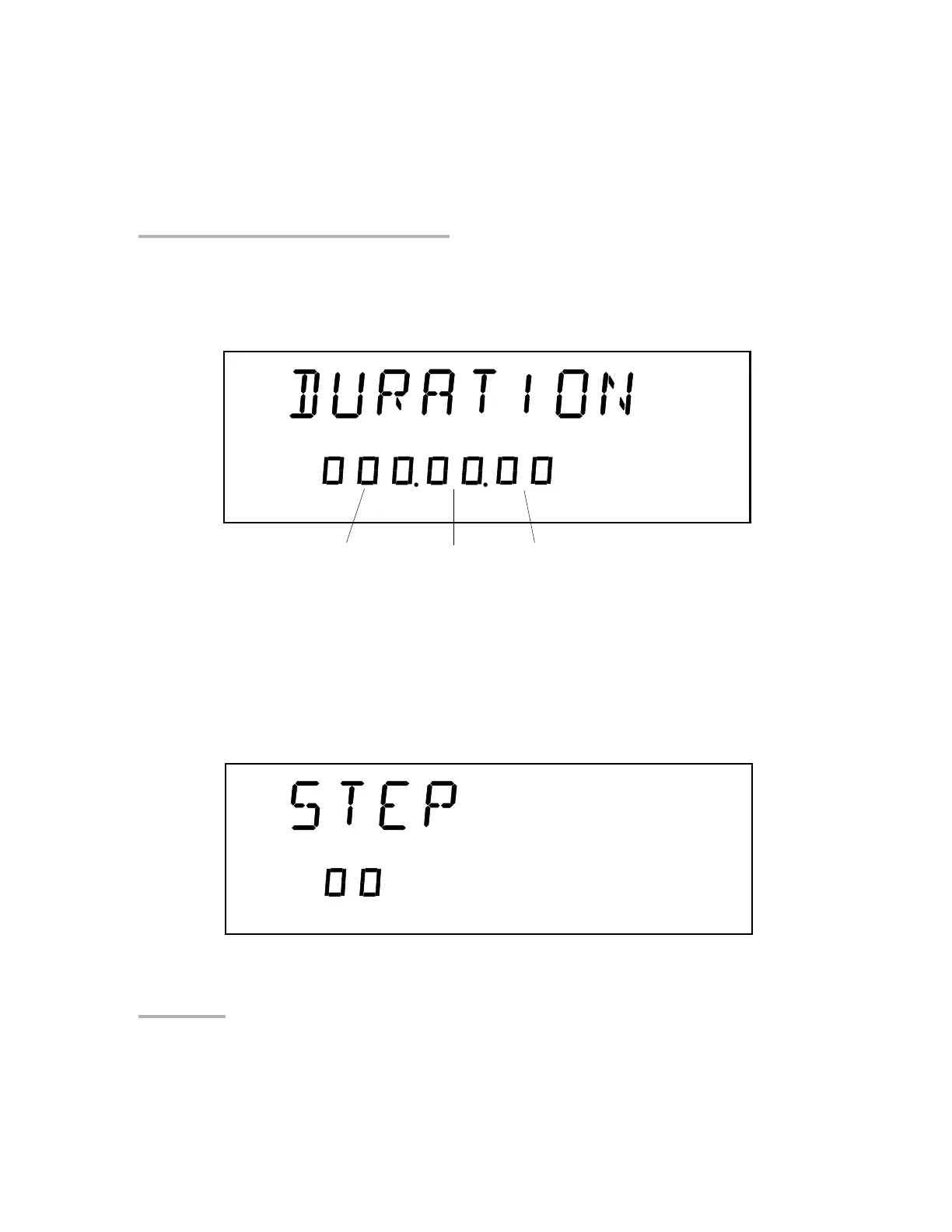
5. Select the duration (time for which the Variable Attenuator will remain
at each step). Press the right arrow.
6. Press ENTER. The first digit will start flashing. Use the up/down arrows
to change the flashing digit and the left/right arrows to activate the next
digit.
7. Once the duration is set, press ENTER.
8. Press the right arrow. You will see the following display.
Hours
Minutes
Seconds
Artisan Technology Group - Quality Instrumentation ... Guaranteed | (888) 88-SOURCE | www.artisantg.com













 To Next Page