Controlling Your Variable Attenuator Remotely
52 FVA-3100
Setting Up the Variable Attenuator for Remote Control
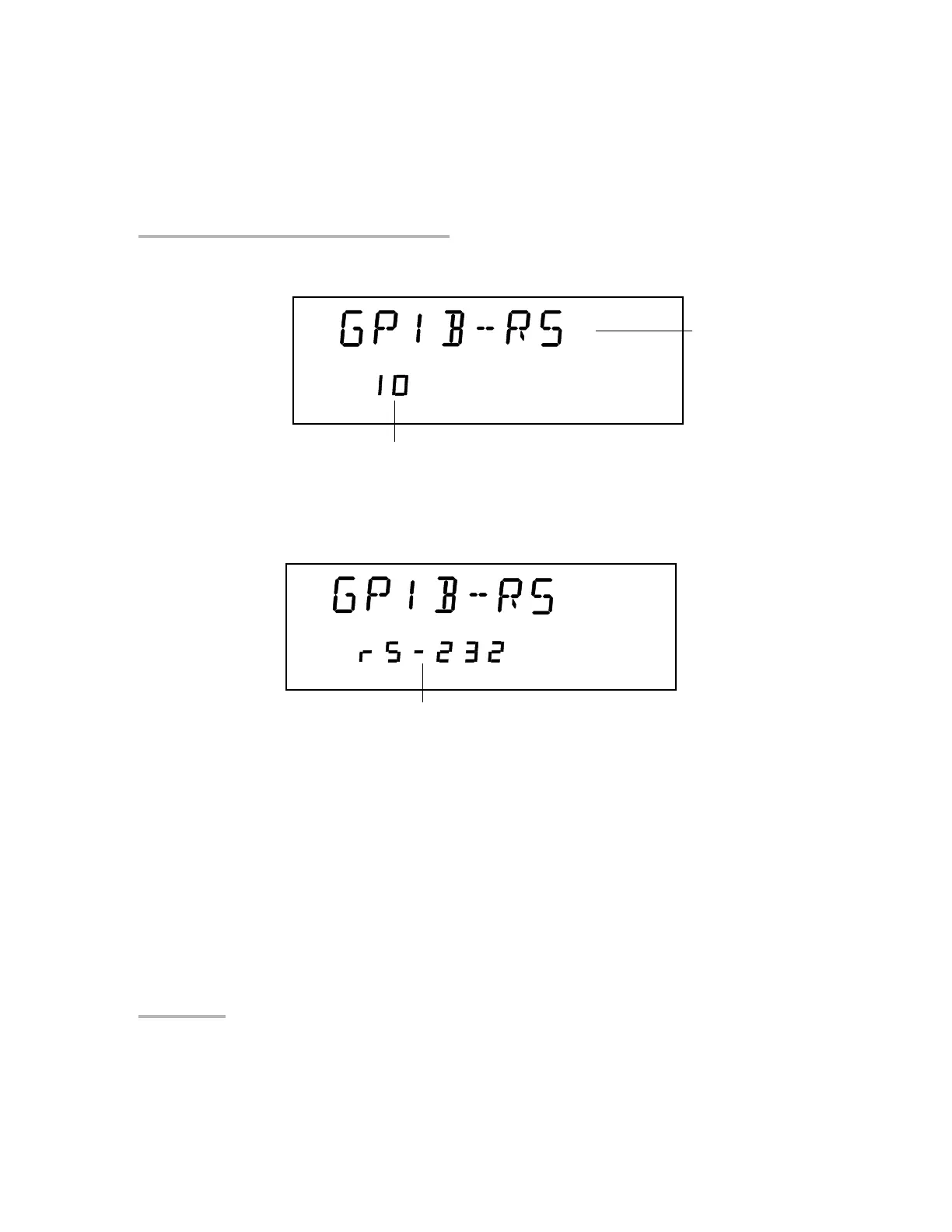
To select remote command mode:
1. If you have select GPIB-RS as a command mode, you only need to set
the address.
2. If you want to select the RS-232 mode, press ENTER.
3. Use the up and down arrows to reach RS-232 (before setting GPIB
address 1 or GPIB address 30)
4. Press ENTER.
5. To exit the Setup menu, press the Setup button.
GPIB
setting
GPIB address
RS-232 setting
Artisan Technology Group - Quality Instrumentation ... Guaranteed | (888) 88-SOURCE | www.artisantg.com













 To Next Page