Controlling Your Variable Attenuator Remotely
Variable Attenuator 53
Setting Up the Variable Attenuator for Remote Control
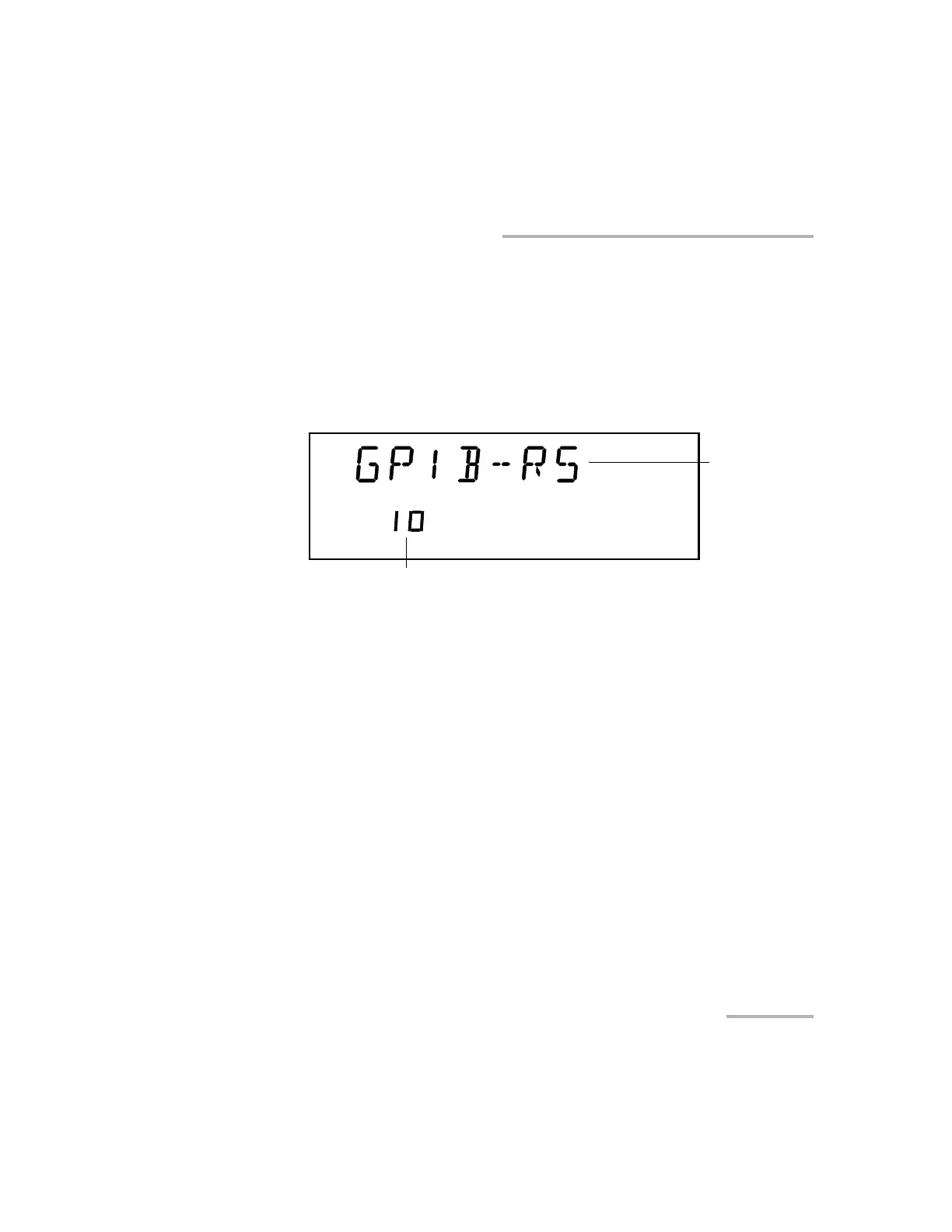
To select a GPIB address:
1. Once you selected GPIB as a command mode, you can set the GPIB
address you want.
2. Press ENTER. The bottom part of the displays will start flashing.
3. Using the up and down arrows, select the GPIB address you want.
GPIB Setting
GPIB address
Artisan Technology Group - Quality Instrumentation ... Guaranteed | (888) 88-SOURCE | www.artisantg.com













 To Next Page