Introducing the MaxTester MAX-610
MaxTester Copper Test 5
Cable Connections
Cable Connections
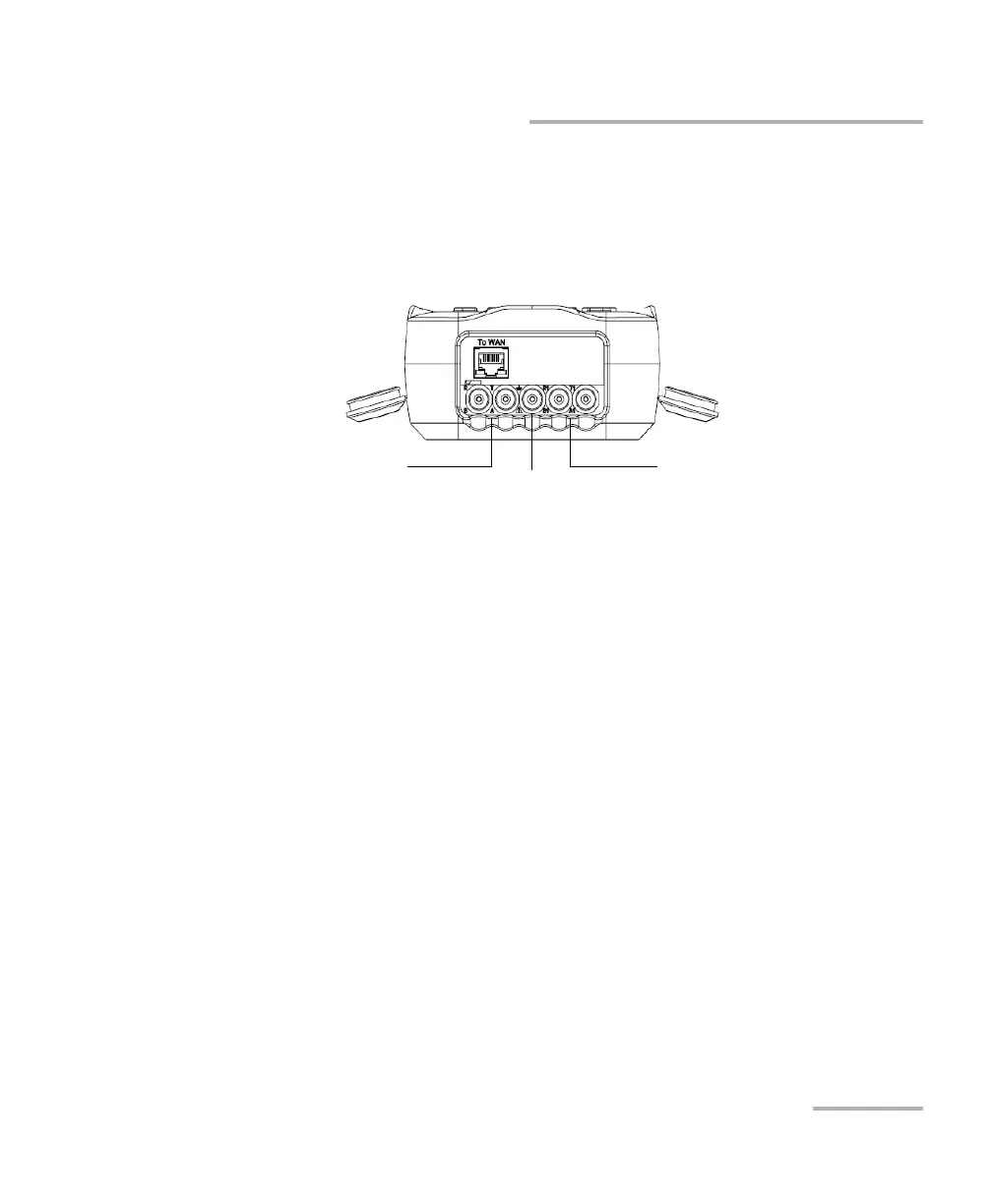
The graphics below show the connectors on the MAX-610 device.
Note: When connecting a DSL cable to the WAN port, use the RJ-45 plug end of
the cable provided with the unit. There is a 1500 V maximum transient
voltage on telecom ports. Basic insulation is needed for external telecom
circuits.
Primary tip/A and
ring/B connectors
Secondary tip/A and
ring/B connectors
Ground
terminal














 To Next Page