Setting Up Copper Tests
MaxTester Copper Test 73
FED Setup
FED Setup
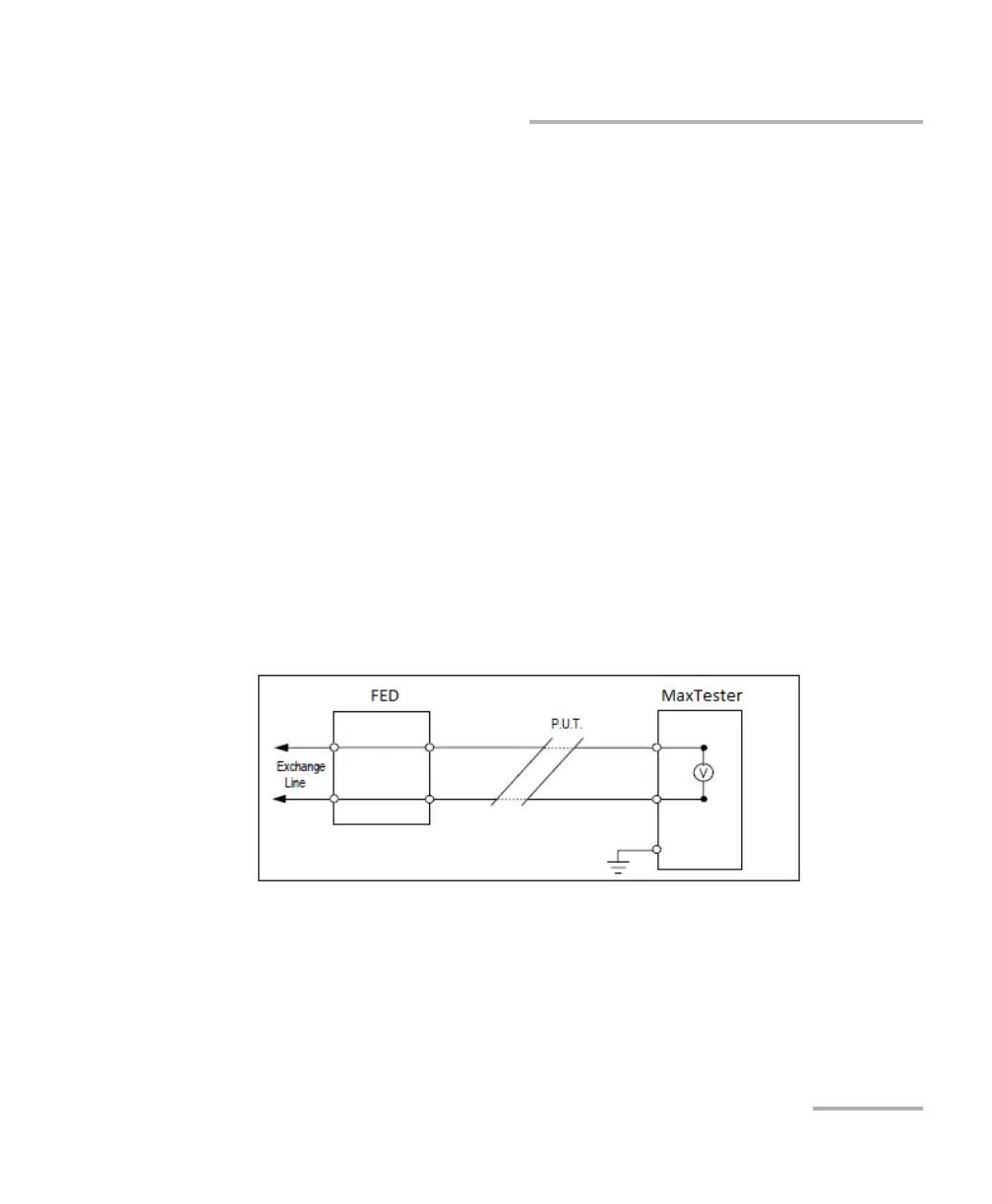
FED Setup is an option enabled feature that implements Teletech TS125
Remote FED (far end device) detection and allows you to predetermine
and place the FED in one of the following states:
Pass Through/Exchange Connect
Open
T-R-G/A-B-E Shorted
By connecting the T-R-G/A-B-E of a customer’s pair (CPE) to the customer
side of the FED, control signals are sent to the FED by the MaxTester in
order to open/short (or pass through to the CO/Exchange) the T-R-G/A-B-E
connections.
Set the T-R-G/A-B-E connections as follows for each FED state:
1. For Pass Through/Exchange Connect, set the FED so that the T-R/A-B
wires connected to the FED (on the customer side) pass directly
through the FED to the CO/Exchange side.














 To Next Page