Setting Up the MaxTester MAX-610
26 MAX-610
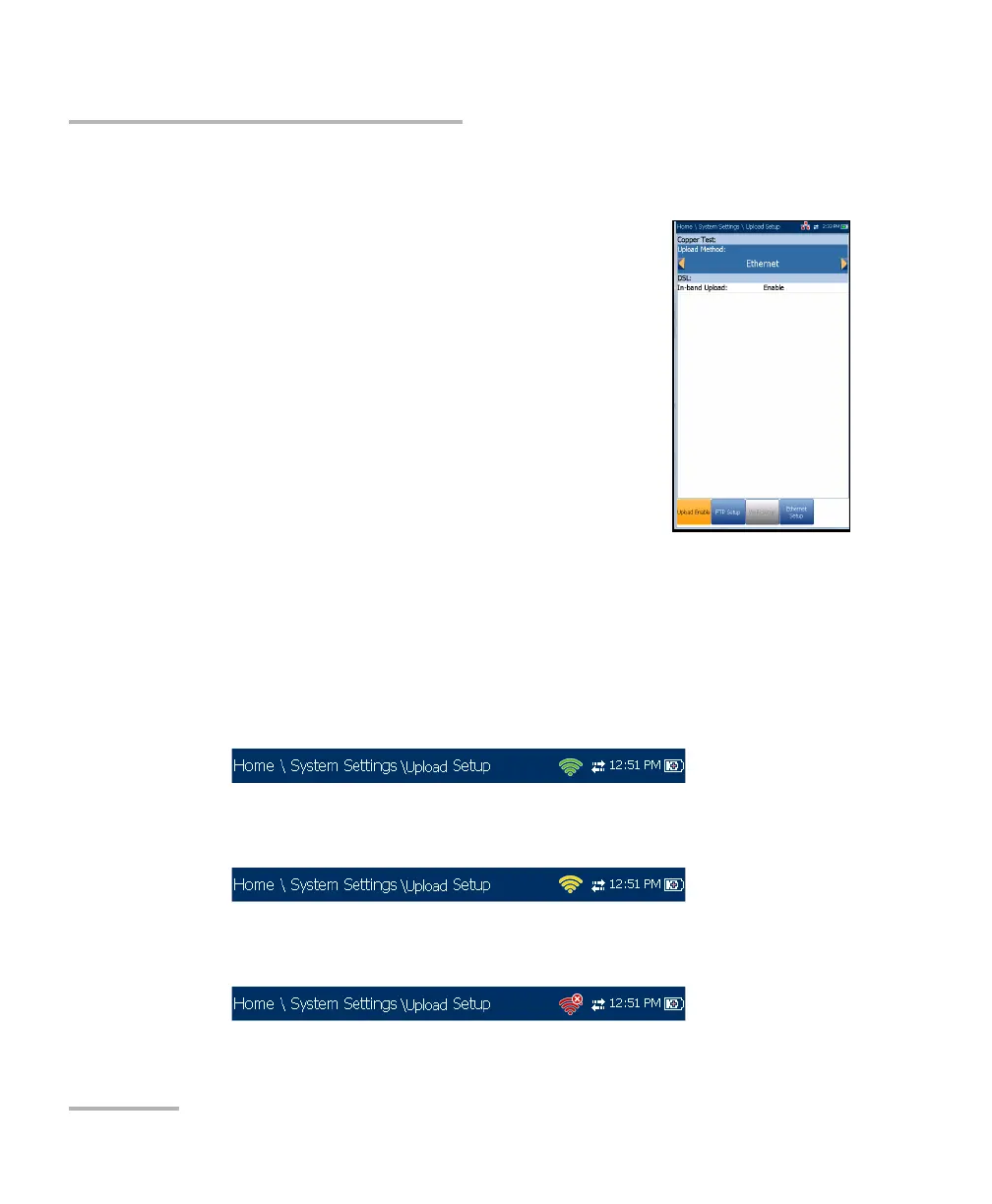
Upload Setup
Upload Setup
Upload Enable
The Upload Enable function allows you to upload
your result files using one of the following upload
methods:
Wi-Fi allows you to upload files from the
MaxTester to a Wi-Fi hotspot/router and is
available for the following results:
Copper User Auto Test - Upload/Save Result
page.
Copper User Auto Test - Read/Upload
Result/Summary page.
All tests - Copper Read/Upload Result
A Wi-Fi symbol, in the top right-hand corner of the navigation bar,
identifies whether or not a connection is present. The Wi-Fi status is
indicated as follows:
Green icon indicates that the MaxTester is connected with a Wi-Fi
hotspot.
Yellow icon indicates that the Wi-Fi dongle is powered up and ok,
but that the MaxTester is not connected to any Wi-Fi hotspot.
Red icon indicates a problem with the Wi-Fi (dongle not attached,
etc.).














 To Next Page