MaxTester Copper Test 17
4 Setting Up the MaxTester
MAX-610
Home
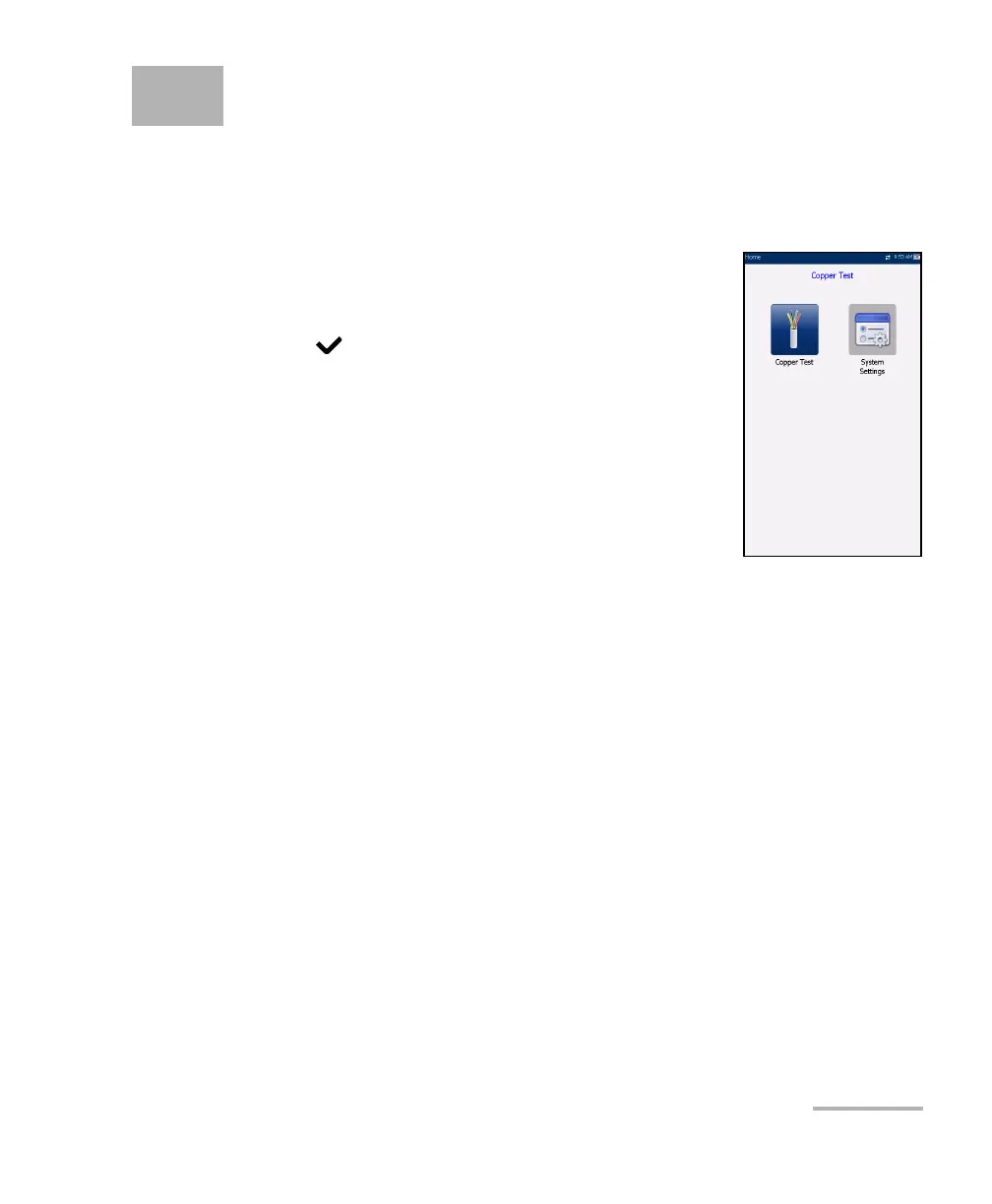
Home presents the main menu page which allows
you to navigate between Copper Test and System
Settings using the left/right arrow keys on the keypad.
Press
to bring up the sub-menu of the selected
icon:
Copper Test opens the Copper Main menu
displaying the copper qualification testing
applications.
System Settings allow you to set the parameters
of the unit and access to Upload Setup.














 To Next Page