Setting Up the MaxTester MAX-610
18 MAX-610
System Settings
System Settings
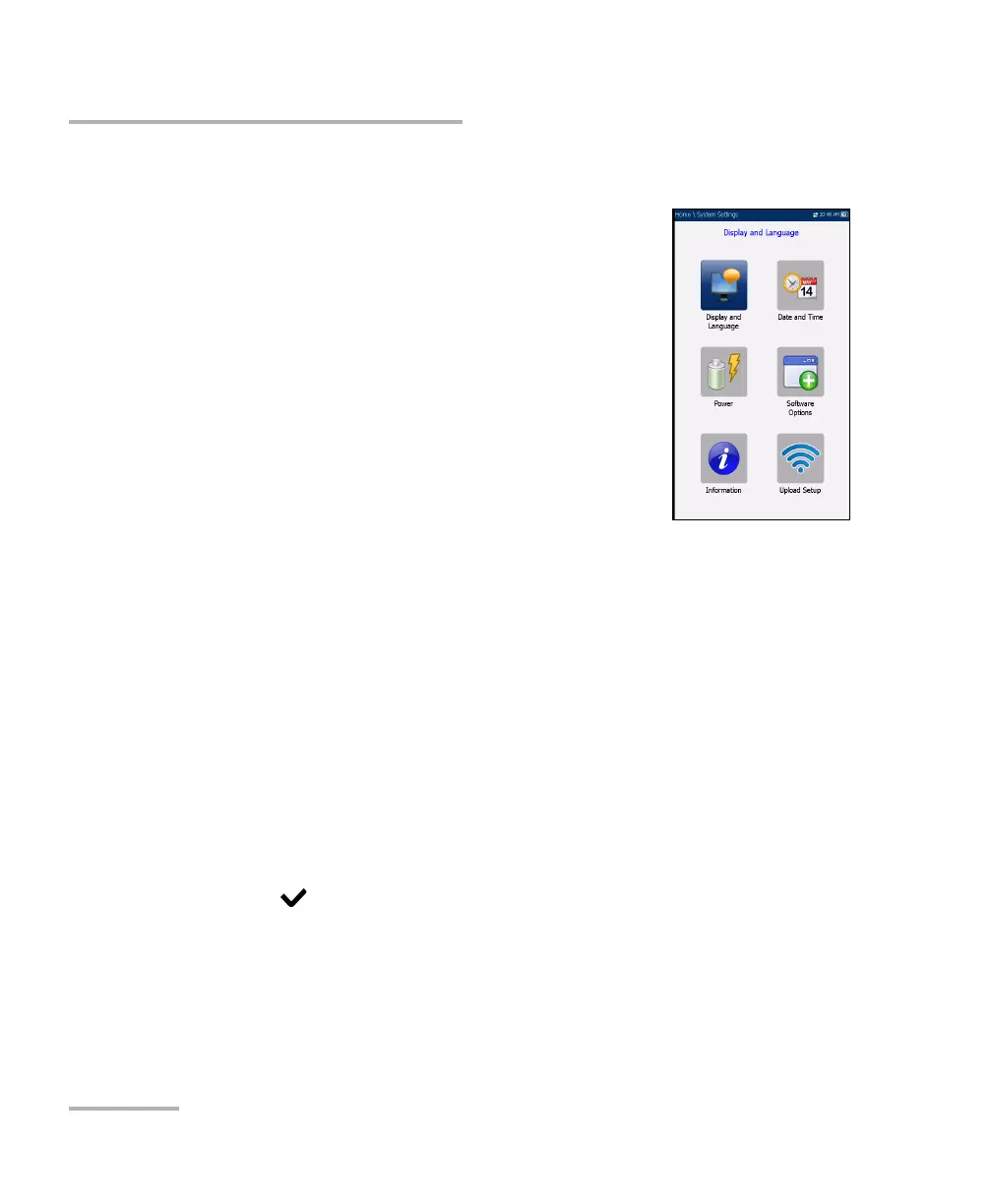
System Settings presents a menu of items to setup
the unit.
Display & Language provides the setup for
backlight, information on the title bar, and
language choice.
Date & Time sets the date and time and format.
Power displays the BATTERY Status, Power
Schemes, and Calibration.
Software Options allow you to enable/disable
purchased feature options.
Information displays information About EXFO
and unit details pertaining to hardware/software/product info.
Upload Setup allows you to enable and select an upload method
using the following function keys:
Upload Enable
FTP Setup
Wi-Fi Setup
Ethernet Setup
To navigate between the system settings:
1. Press the up/down left/right arrow keys on the keypad to select an
icon.
2. Press
to confirm your selection.














 To Next Page