Reading Saved Copper Test Results
90 MAX-610
Export
Export
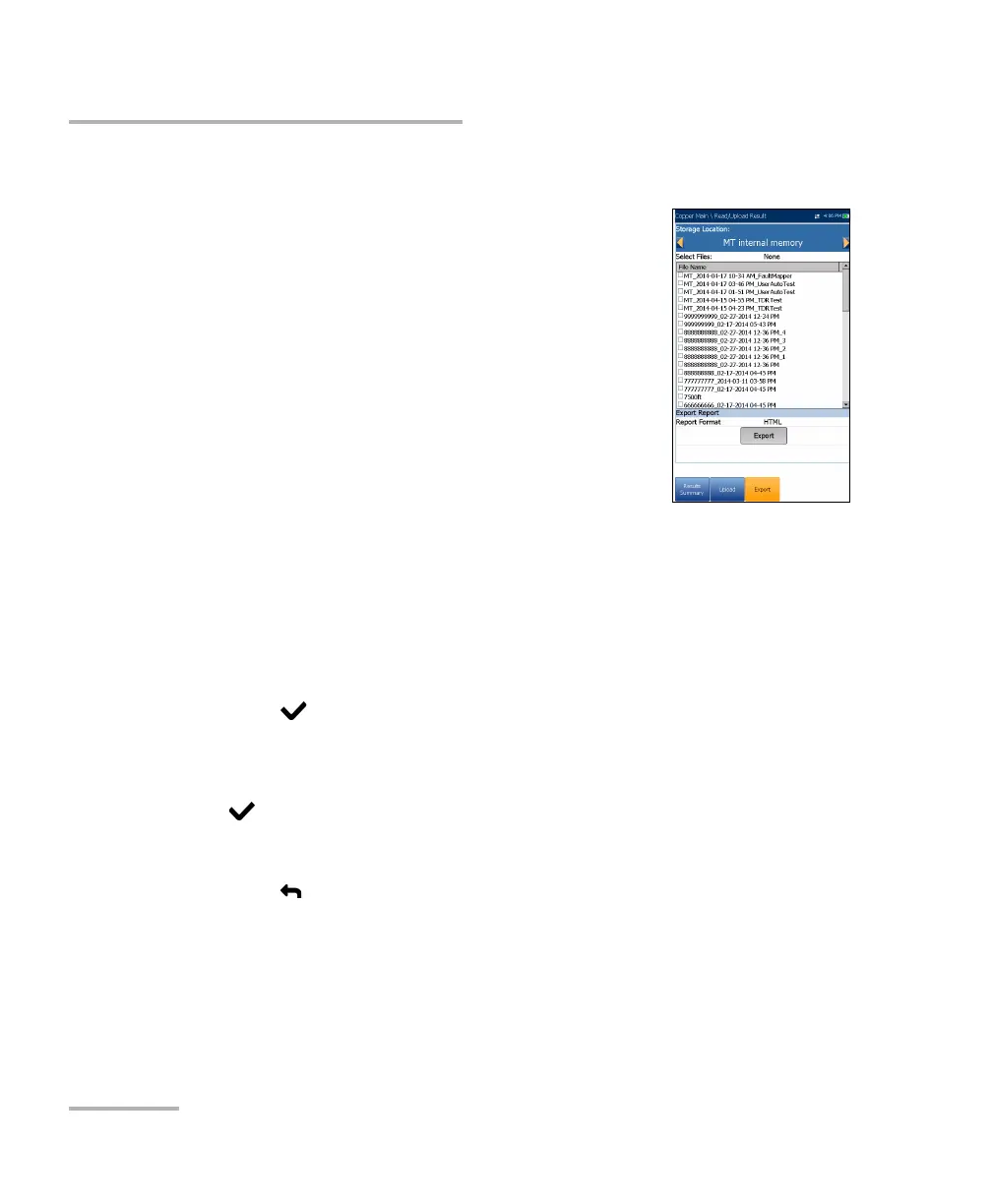
The Export page allows you to select a File Name or
All files previously saved and export the results in a
selected Report Format.
Storage Location gives you the option of
exporting your results to either the MT internal
memory or USB device.
Select Files is either None or All. None removes
all check marks allowing you to select one or
more files, or All.
Report Format is HTML, MHTML, or XML.
Export button transfers the selected file(s) to the internal memory or
USB device in the selected report format.
To export previously saved test results:
1. Press the left/right arrow keys to highlight the desired Storage
Location.
OR
2. Press to display the list and select the value.
3. Press the down arrow key and select either None or All files.
4. If None, press the down arrow key to highlight the list box and press
to open the list.
5. In the list, press the up/down arrows to select the desired files.
6. Press
to come out of the list.
7. Press the down arrow key to highlight the Report Format.














 To Next Page