Setting Up the MaxTester MAX-610
20 MAX-610
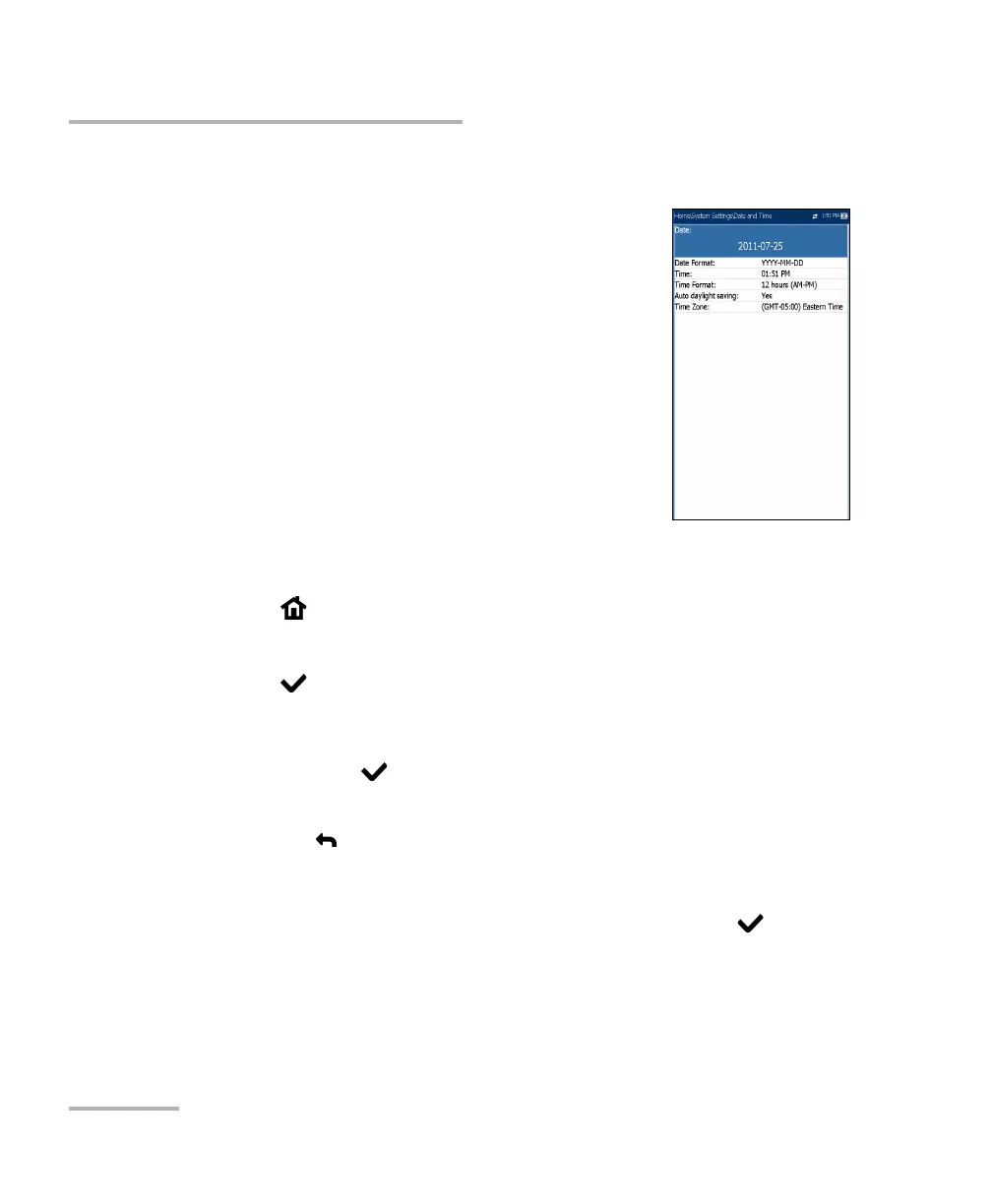
Date and Time
Date and Time
When saving results, the unit also saves the
corresponding Date and Time.
You can enter the date according to the following
formats:
yyyy-mm-dd (default)
dd-mm-yyyy
mm-dd-yyyy
The time can be set according to the 12- or 24-hour
formats.
You can also modify the time zone and enable an
option so that your unit adjusts the time for the daylight saving period.
To set the date and time:
1. From , select System Settings, and then Date and Time.
2. Use the arrows to select any of the date or time settings.
3. Press
to enable the modification controls.
For the date and time, an edit screen is displayed with descriptive
function keys. Use the arrow keys to modify the number values,
then press
to confirm the change and go back to the previous
screen.
Press
to go back to the previous screen without saving the new
value.
For the time format, auto daylight saving, and time zone values, use
the arrow keys to select the desired value, then press
to
confirm the change.














 To Next Page