Noise Tests
154 MAX-610
WB PSD Noise
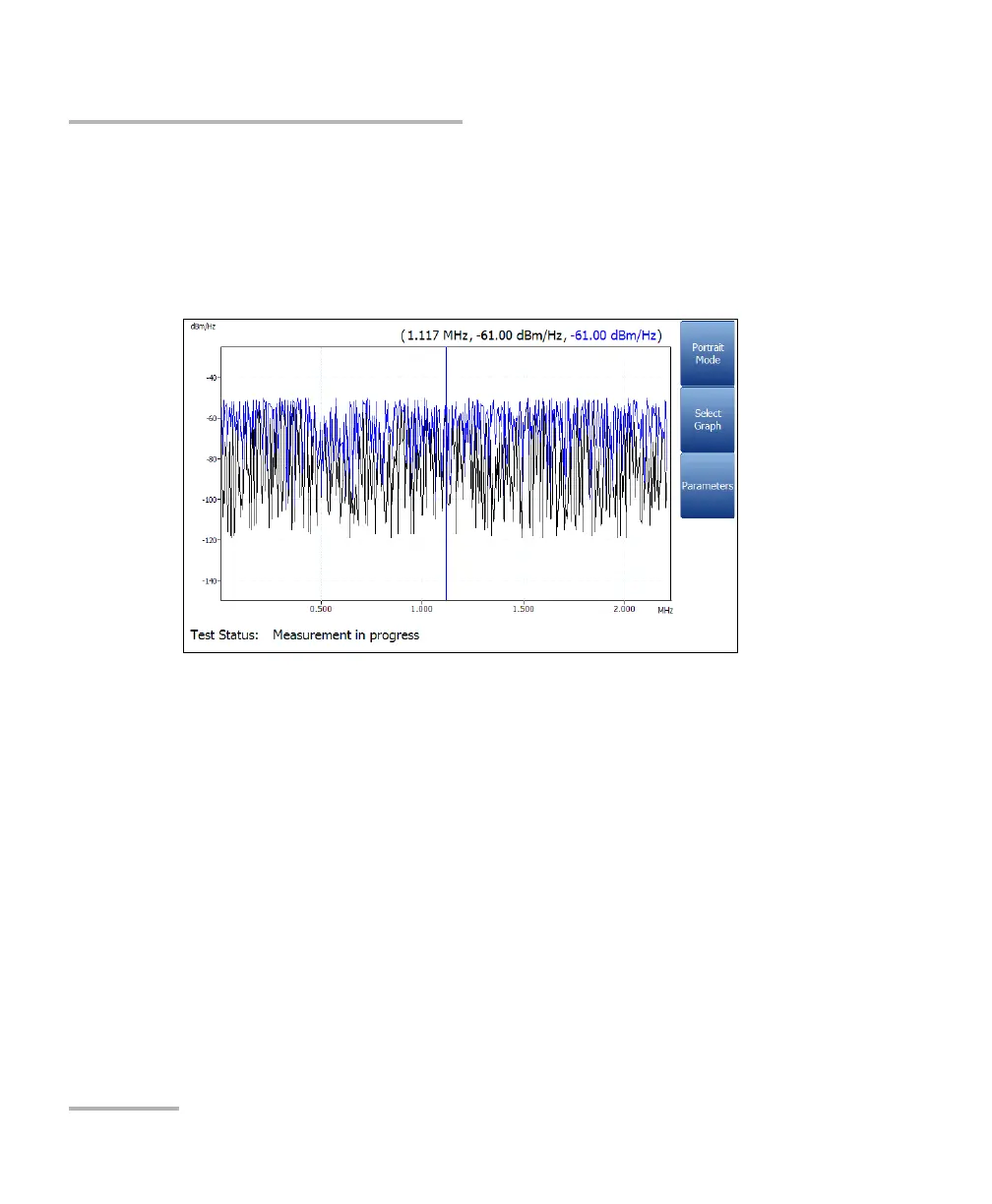
Landscape Mode function key allows you to view the test results in
landscape mode. Rotating the unit clockwise or counter-clockwise
and having the keyboard on the right or left is dependent on your
preferred Landscape Mode Settings configured in Application
Settings/General.
This mode generates the following function keys:
Portrait Mode is used to change the screen orientation from
landscape to portrait.
Select Graph opens a new selection of function keys which allow
you to maneuver the graph. (Same as above.)
Parameters displays a small strip window when selected allowing
you to change the Bandwidth, Noise Filter, Ter mination
Resistance, and Peak Hold values from a list of options.














 To Next Page