TDR
MaxTester Copper Test 203
Continuous
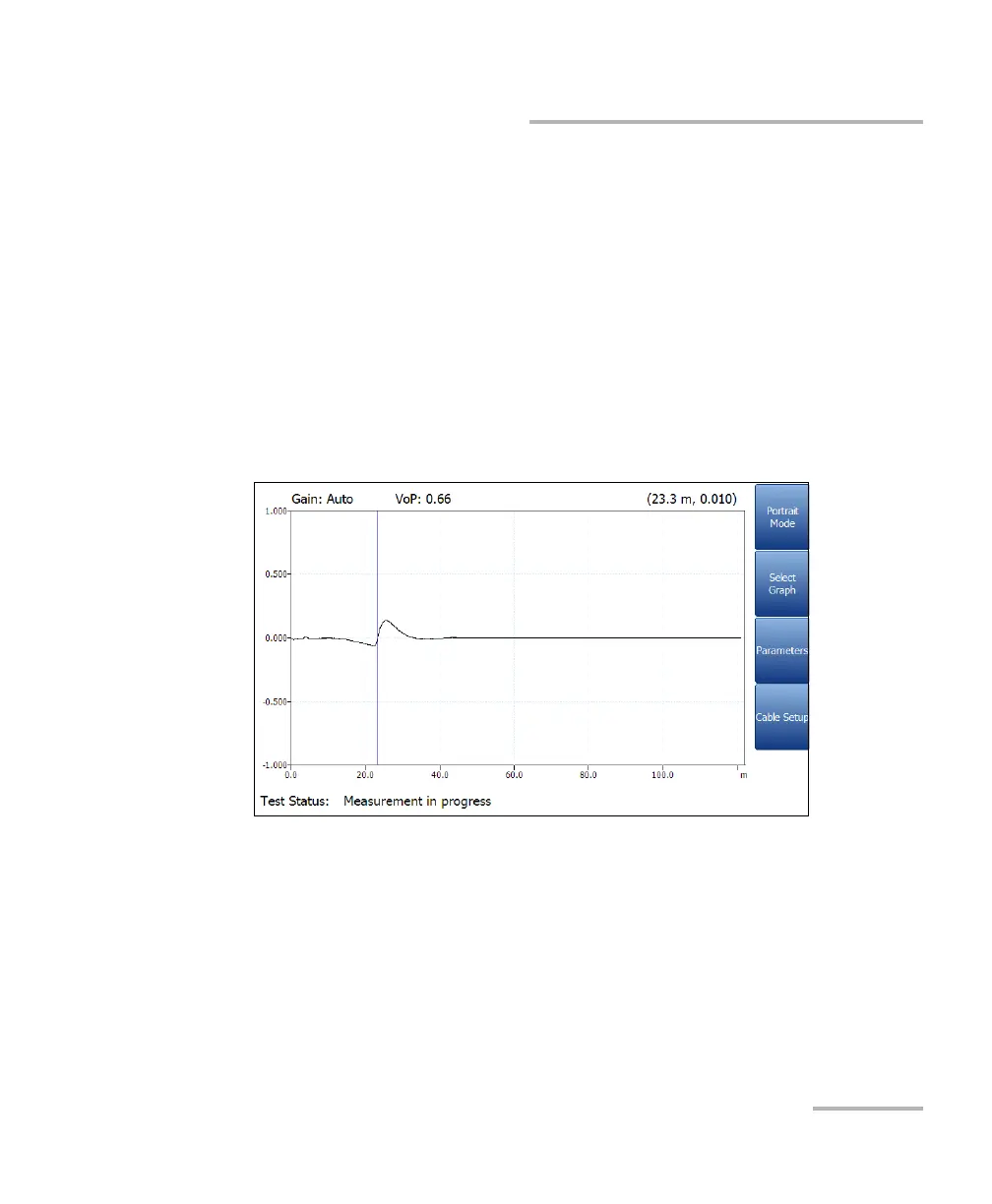
Test Status displays the current state of measurement or an error
message.
Load Trace function key opens a new page that allows you to load a
trace from a list of previously saved TDR tests
Clear Trace function key deletes the loaded trace from the graph.
Landscape Mode function key allows you to view the test results in
landscape mode. Rotating the unit clockwise or counter-clockwise
and having the keyboard on the right or left is dependent on your
preferred Landscape Mode Settings configured in Application
Settings/General.
This mode generates the following function keys:
Portrait Mode is used to change the screen orientation from
landscape to portrait.
Select Graph opens a new selection of function keys which allow
you to maneuver the graph. (Same as above.)














 To Next Page