Copper Auto Tests
234 MAX-610
User Auto Test
To set parameter values and save results:
1. Press the left/right and up/down arrow keys to highlight the desired
parameter.
2. Press to display the list or select the value.
3. Press the up/down arrow key to highlight the desired value.
OR
4. Press the left arrow key to erase the existing value, and then use the
alphanumeric keypad to enter a value. To cancel the entry, press .
5. Press to accept the value.
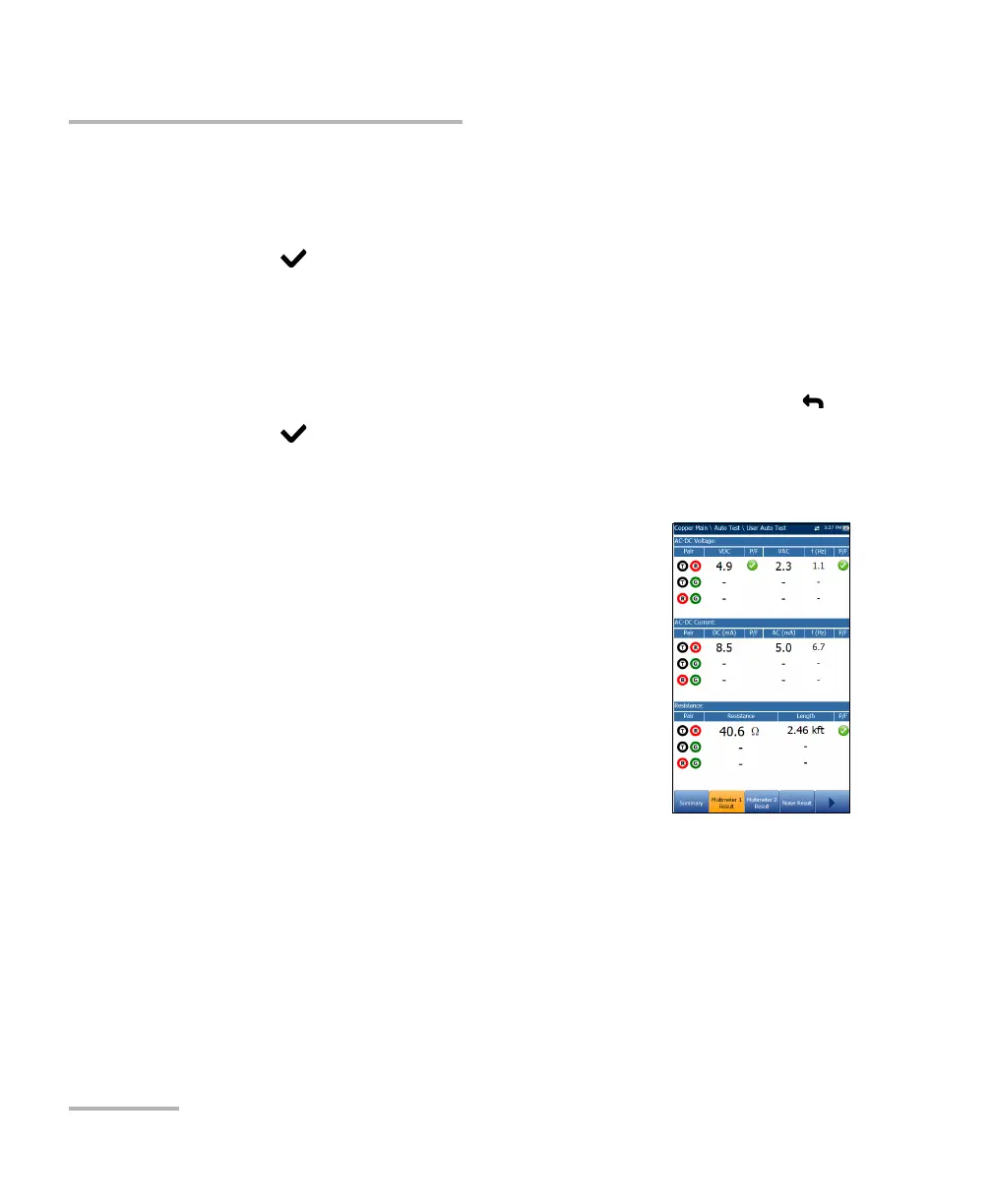
Multimeter 1 Result
The Multimeter 1 Result page displays the following
results and pass/fail status:
AC-DC Voltage - volts and frequency (Hz) values
for each continuous AC/DC Pair.
AC-DC Current - DC current, AC current and
frequency (Hz) values for each wire Pair.
Resistance and Length for each wire Pair.














 To Next Page