Setting Up Copper Tests
40 MAX-610
Test Configuration
To navigate between the test profiles:
1. Press the up/down left/right arrow keys on the keypad to select an
icon.
2. Press to confirm your selection.
Noise Tests Profile Details
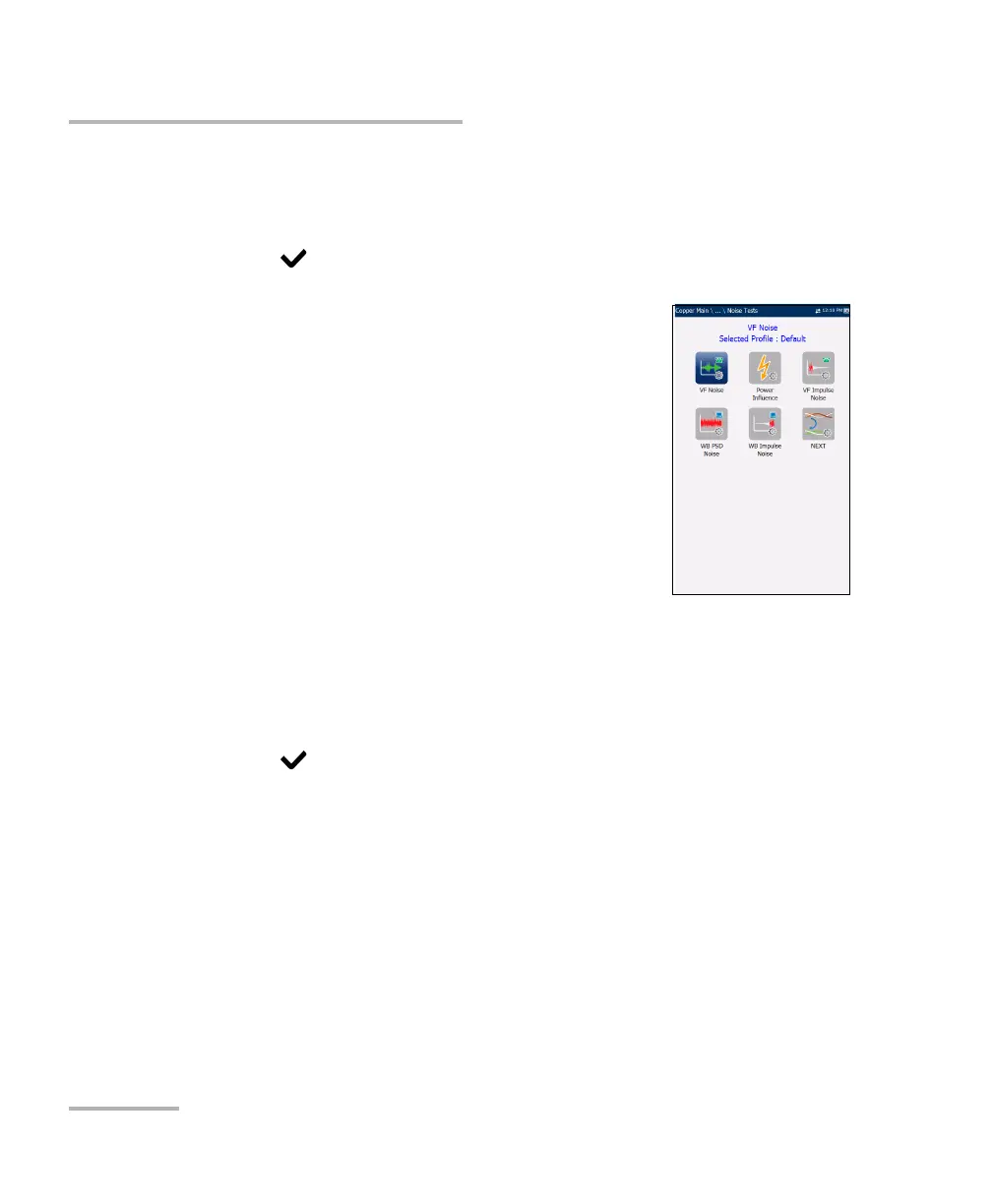
The profile details Noise Tests main menu allows you
to view the test threshold and parameters of the
following tests:
VF Noise
Power Influence
VF Impulse Noise
WB PSD Noise
WB Impulse Noise
NEXT
To navigate between the test profiles:
1. Press the up/down left/right arrow keys on the keypad to select an
icon.
2. Press to confirm your selection.














 To Next Page