Setting Up Copper Tests
42 MAX-610
Test Configuration
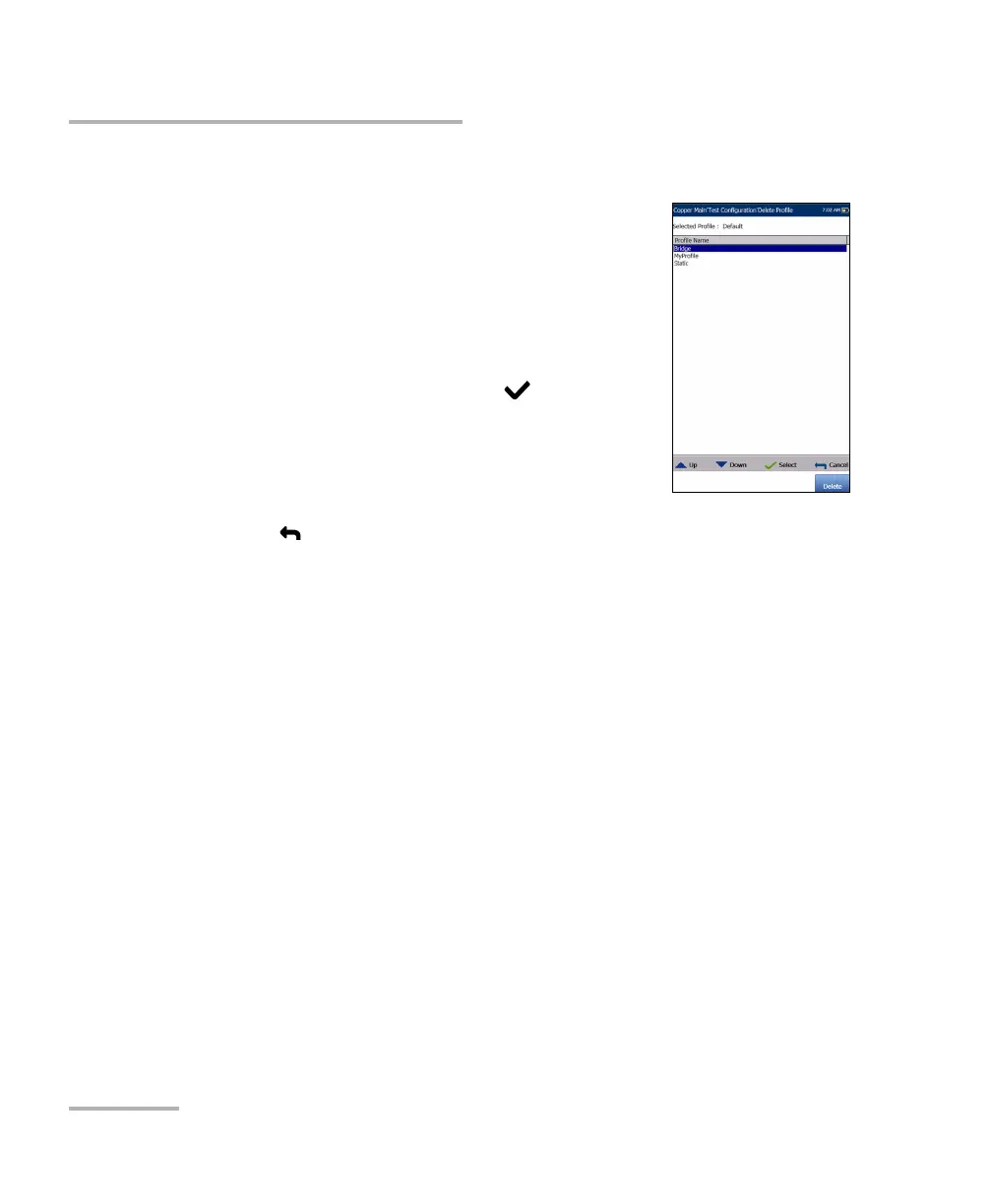
Delete Profile
Delete Profile lists all profiles found on the internal
memory except the default profile, which cannot be
removed.
Selected Profile displays the profile name in use.
To delete a profile:
1. Press the up/down arrow keys to highlight the
entry to be removed and press .
2. Press the Delete function key to remove the entry
from the unit.
OR
3. Press to cancel your selection, remove any display message, and go
back without impacting any profiles.














 To Next Page