Setting Up Copper Tests
MaxTester Copper Test 45
Phone Book
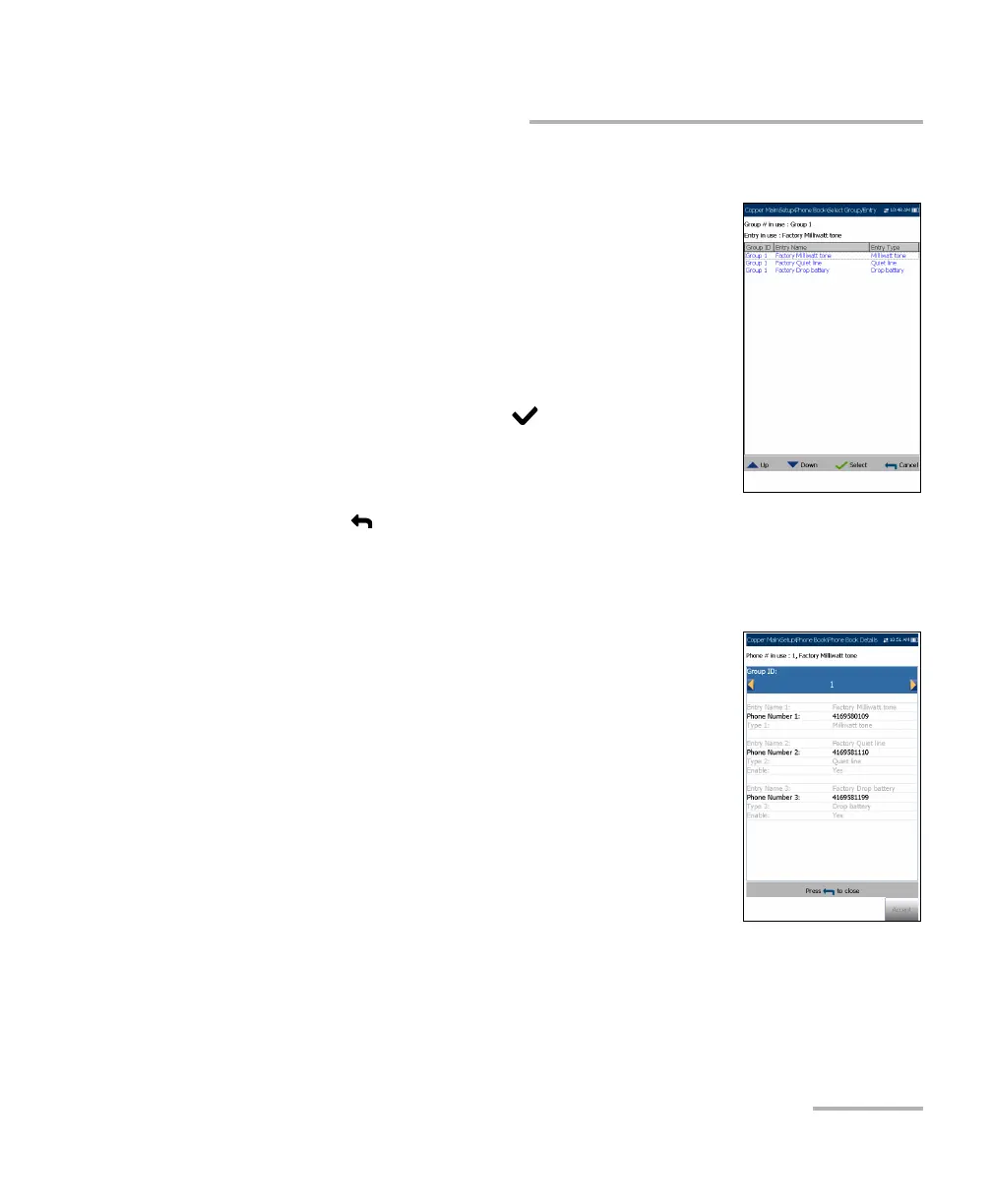
Select Group/Entry
The page lists entries by Group ID and Entry
Name/Type. There is 1 group of 3 factory default
entries which cannot be edited or deleted. The Phone
Book can include a maximum of 50 groups.
Group # in use displays the group number in use.
To select a group and entry:
1. Press the up/down arrow keys to highlight the
desired entry and press . The Group # in Use
is updated with the current selection.
OR
2. Press to cancel your selection and go back to the Phone Book
menu.
Phone Book Details
The Phone Book Details page allows you to view and
modify the Phone Book parameters of the currently
highlighted phone entry. As well, you can
enable/disable entries 2 and 3 in each phone group.
When creating a new phone group, only entry 1 is
enabled. Entries 2 and 3 remain disabled until entry 1
is filled in.
Group ID displays the group ID number. This is
the only parameter that cannot be modified
however you can navigate between the available
phone groups.
Entry Name is the name of the entry in the Phone Book.
Phone Number is the 10-digit numeric phone number of the entry.














 To Next Page