Setting Up Copper Tests
MaxTester Copper Test 49
Phone Book
Delete Group
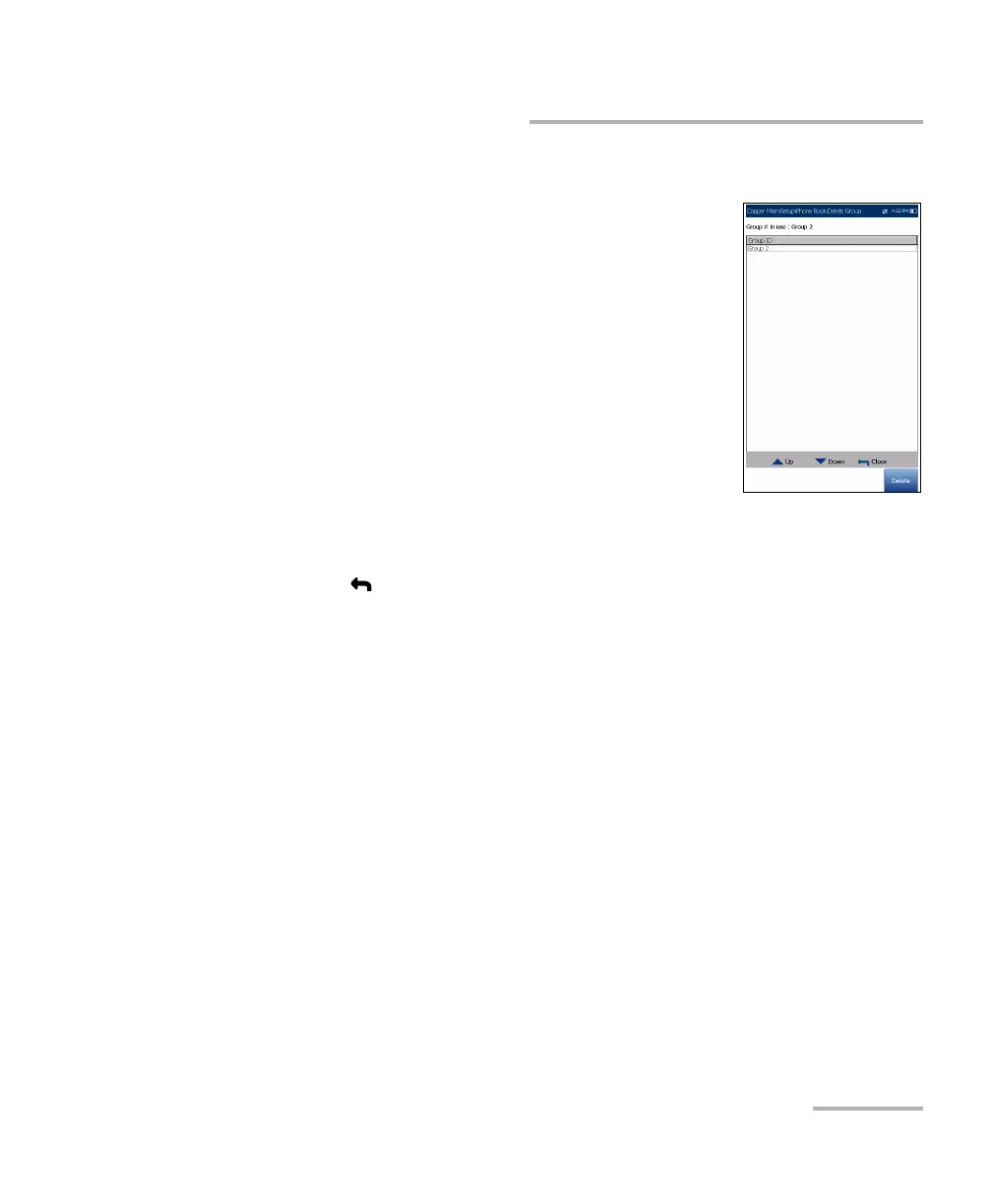
The Delete Group page allows you to delete a group
entry from the Phone Book. The page lists all entries
by Group ID.
Group # in Use displays the group number in use.
To delete a group entry:
1. Press the up/down arrow keys to select the entry
to be removed.
2. Press the Delete function key to remove the
selected entry from the Phone Book. If you try to
delete a cable in use, a warning message pops-up
and changes the Group # in Use to Group 1 by default.
OR
3. Press to cancel your selection, remove any display message, and go
back without impacting the Phone Book.














 To Next Page