Setting Up Copper Tests
54 MAX-610
Dialer Function
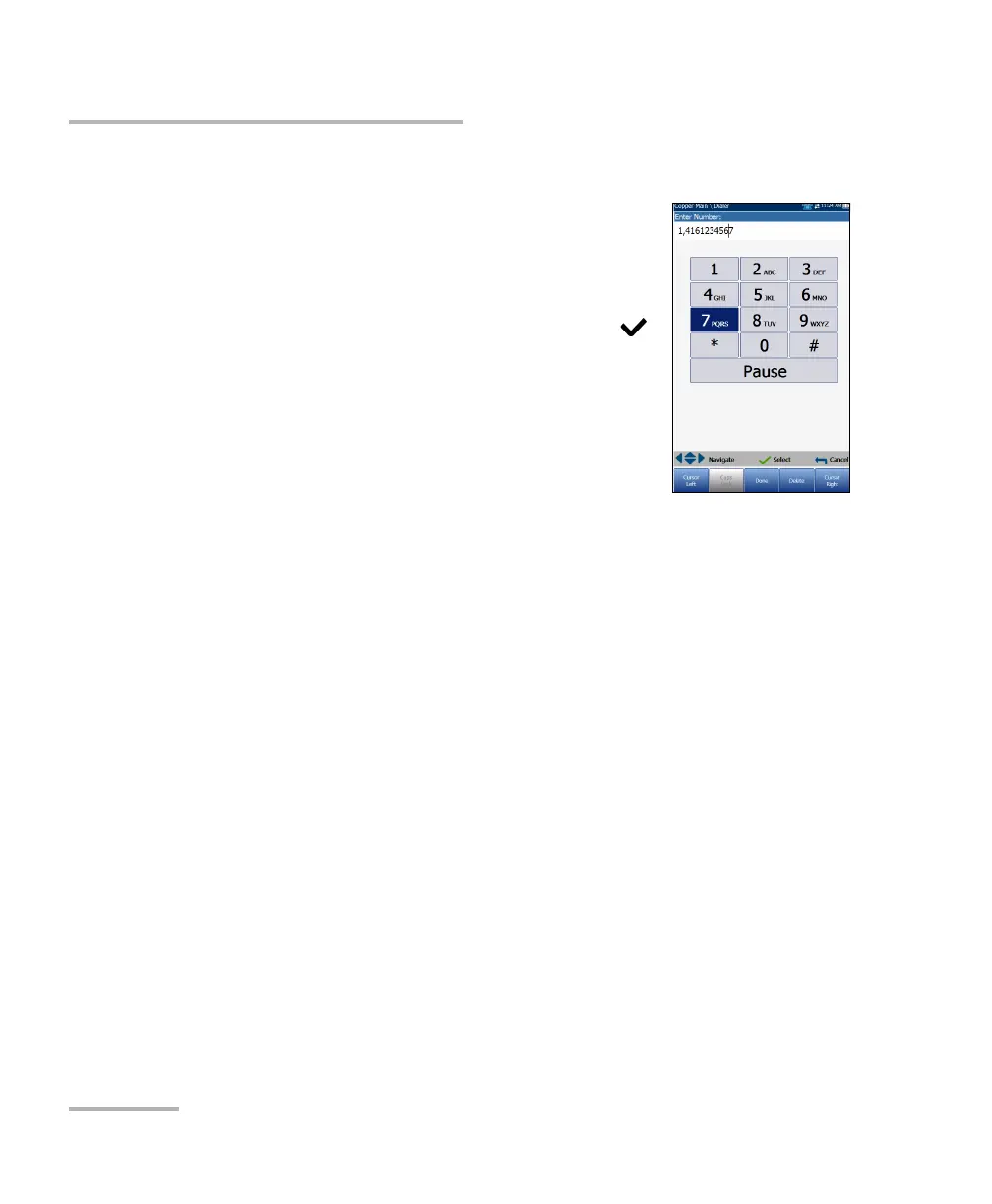
Enter Number
The Enter Number box is where you enter the phone
number you wish to dial.
To enter a phone number:
1. Press any of the buttons on the key pad by using
the navigation keys on the unit and pressing .
The selected numbers are entered in the text box.
2. Press Pause to enter a 1-second pause while
dialing. For example, pressing Pause
consecutively 3 times, creates a 3-second pause.
3. Move left or right in the text box by using
Cursor Left/Right function keys.
4. Delete a character by moving the cursor to the left of the character and
pressing the Delete function key.
5. Press Done function key when you have completed entering a phone
number.
Note: Alphabets on the key pad are for reference only. Pressing any of the buttons
will not show the alpha-character in the text box.














 To Next Page